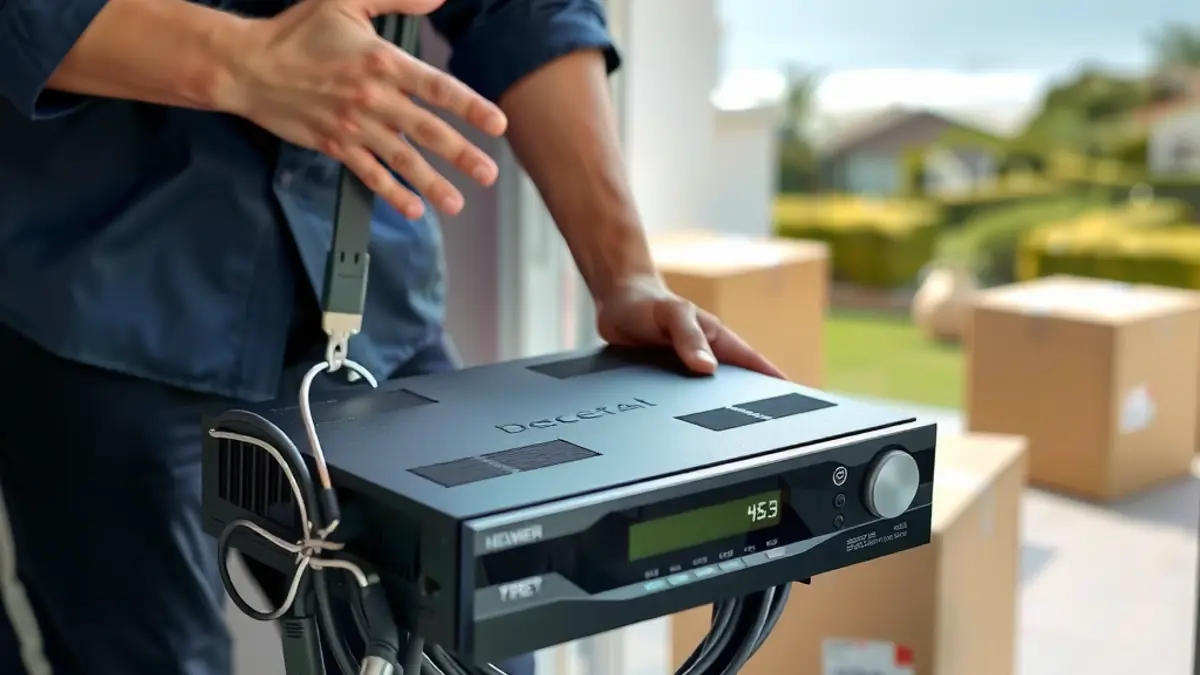
A DStv move goes more smoothly when television equipment is treated as a small project, not as a box packed at the end of moving day. The decoder, remotes, smartcard details, dish, cable routes, television brackets and internet connection all need separate decisions. Some items move with you, some should stay, and some are better assessed at the new property.
This checklist covers moves within Gansbaai and between De Kelders, Kleinbaai, Franskraal, Pearly Beach, Stanford and the wider Overberg.
Four weeks before the move
List every decoder, remote, power supply, television and network accessory. Photograph model labels and the way each device is connected. If you use more than one decoder, record which room each one serves and do not mix their accessories during packing.
Arrange a site discussion for the new address. A DStv relocation and reconnection is easier to quote when the installer knows the roof type, existing dish condition, number of rooms and intended television positions.
Decide what moves and what stays
Do not assume the dish belongs to the person moving. Check the sale or lease arrangement, and ask the landlord or property agent if necessary. A dish fixed to the building may be considered part of the property, while decoders and remotes are usually personal equipment. Get clarity before anything is removed.
If the new home already has a dish, it still needs a compatibility and condition check. The existing LNB may not suit your decoder combination, and old cable may lead to a room you do not plan to use. Reuse can save work, but only when it supports the intended setup.
Plan the new viewing layout
Mark the furniture layout before choosing TV points. Check glare, seating distance, power sockets and network coverage. If a television will be mounted, book TV wall mounting before final cable routes are closed. The wall type and bracket rating must suit the screen.
For recording and connected features, tell the installer whether you use an Explora or Ultra decoder. If two compatible decoders are linked, include the Extra View arrangement in the scope rather than treating the second room as an afterthought.
One week before moving day
- Confirm the installer date and access contact at both properties.
- Back up any account information you need and note subscription contact details.
- Place each remote and power supply in a labelled bag for its decoder.
- Confirm whether movers will transport televisions and who removes wall brackets.
- Photograph existing wall and cable condition if you are renting.
- Check electricity and internet activation dates at the new address.
Do not pack the decoder in an unlabelled general electronics carton. Keep it protected from impact, moisture and pressure from heavier items.
What an installer should do at the old property
The agreed scope may include disconnecting decoders, removing approved equipment, making cable ends safe and assessing any wall penetrations. Building repairs and repainting should be assigned clearly rather than assumed. If a dish remains, loose cable should not be left where wind can move it against the roof.
Where a television is removed from a bracket, check the wall and keep the correct mounting screws with the bracket. Screen screws are model-specific and easy to lose during a move.
What happens at the new property
The installer should confirm a suitable dish location, fit or test the mounting, route the cable, align the system and configure the decoder. A new installation may be needed even when you bring a decoder, because the fixed receiving equipment belongs to the building.
If the new property has an existing dish but no stable signal, request diagnosis before replacement. Dish alignment, a new connector or a compatible LNB may solve the problem. If damage is found, ask for it to be explained before extra work proceeds.
Coordinate internet and connected devices
Moving a router to the same relative spot does not recreate the old home's coverage. Building shape, wall materials and fibre entry position change the result. Plan WiFi and fibre networking around the new floor plan, especially if the decoder, smart television, cameras and home office all depend on it.
Test the network from the actual television position. Do not judge coverage beside the router. If access points or wired connections are needed, coordinate their routes before furniture blocks the working area.
Moving a security system
Cameras are not always economical or appropriate to remove. Existing cameras may be part of the property sale, and removal can leave holes, cable and missing coverage at the old home. At the new address, a fresh CCTV assessment should begin with entrances, blind areas, recorder security, lighting and network access.
Choose camera positions for the new property rather than copying the old layout. Respect neighbouring properties and private spaces, and confirm how recordings will be stored and accessed.
Moving-day box checklist
- Decoders with model details recorded
- Matching power supplies
- Labelled remotes with batteries removed if stored for long
- HDMI leads and any approved accessories
- Router and network equipment if these belong to you
- Television stands, feet and their screws
- Wall bracket parts if the bracket is moving
- Invoices or setup notes that may assist reconnection
Keep this box with valuables rather than in a load where it can become wet or crushed.
Test before the appointment ends
- Switch on every television and confirm the correct input.
- Check live viewing and recordings where applicable.
- Test both sides of an Extra View arrangement.
- Confirm internet connectivity at connected decoders and smart TVs.
- Check remote operation from normal seating positions.
- Inspect visible cable finishing and understand the route.
- Record any work that remains for another trade.
If a service or account action cannot be completed immediately, write down exactly what remains and who is responsible. This prevents the installer, mover, provider and homeowner from each assuming someone else will finish it.
After the move
Update your service address and account contact details through the appropriate provider channel. Keep the installation invoice and new equipment map. For a holiday or partly occupied home, create a simple shutdown and restart note for the person checking the property.
If picture problems appear after furniture or unpacking work, check whether a cable has been pinched or disconnected before assuming the dish moved. For persistent faults, book measured signal repair rather than repeatedly resetting the decoder.
Moving to a new Gansbaai address? Share both locations, moving dates, decoder models and planned TV positions early so disconnection and reconnection can be coordinated.
Frequently asked questions
Should I take the satellite dish when I move?
First confirm ownership in the sale or lease agreement. A dish fixed to the building may stay with the property, while decoders and remotes are generally personal equipment. Do not remove fixed equipment without permission.
Can I connect my decoder to the dish at the new house?
Possibly, but the dish, LNB, cable and alignment must be compatible and in sound condition. An installer should test the existing system before connecting or recommending replacement.
When should I book a DStv relocation?
Book as soon as the moving date and new address are reasonably firm. Early planning is especially helpful when roof access, several rooms, wall mounting or travel to an outlying property is involved.
Will my Extra View setup work at the new property?
It can be recreated if the decoders and receiving equipment are compatible and the new cable layout supports it. Include both decoders in the relocation scope and test them together at handover.
Do recordings remain on my decoder after moving?
Recordings generally remain on the decoder, but access can depend on the decoder and account state. Handle the unit carefully, keep it dry and confirm provider requirements if account changes are involved.
Keep reading
Cheapest DStv Decoder Price: What You Give Up
The cheapest DStv decoder saves you money upfront and monthly. Here's what you lose on recording and 4K,…
GuidesHow to Activate OpenView Decoder in Gansbaai: 3 Easy Ways
Stuck on channel 100? Here is how to activate an OpenView decoder in Gansbaai with your phone, WhatsApp…
local-guidesDStv Installer Service Areas Around Gansbaai and the Overberg
Properties around Gansbaai can be close on a map but very different to service. A town house, an…