Quick answer: Here is how to activate OpenView decoder Gansbaai homes use, in short. Switch on the decoder, go to channel 100 and press HELP on the remote to see your STB number. Dial *120*6843*1# on your cellphone, choose the activation option and type in the STB number. If USSD fails, WhatsApp OpenView on 082 966 6429 or call 0861 696 843.
You bought an OpenView box, plugged it in, and the TV shows one channel and a message. Nothing else works. This is the most common call we get about OpenView in Gansbaai, and the fix is usually quick.
A new OpenView decoder arrives from the shop switched off on the network. It has to be activated before it shows any channels. There is no monthly bill and no contract, but the box still needs that one step. Below we explain the problem first, then the causes, then the fixes, and when it makes sense to call us.
Key points before you start
- OpenView charges no sign-up fee and no monthly subscription.
- You need the STB number. It shows on the HELP screen of your decoder.
- The dish must be pointed at the right satellite with a clean signal. Activation cannot land without it.
- You do not need an app. Any cellphone can dial the USSD code.
- Most failed activations on the coast are signal problems, not decoder faults.
Why your OpenView decoder is stuck on channel 100
Channel 100 is OpenView's home and help channel. When a decoder is not active, it is often the only channel you can see.
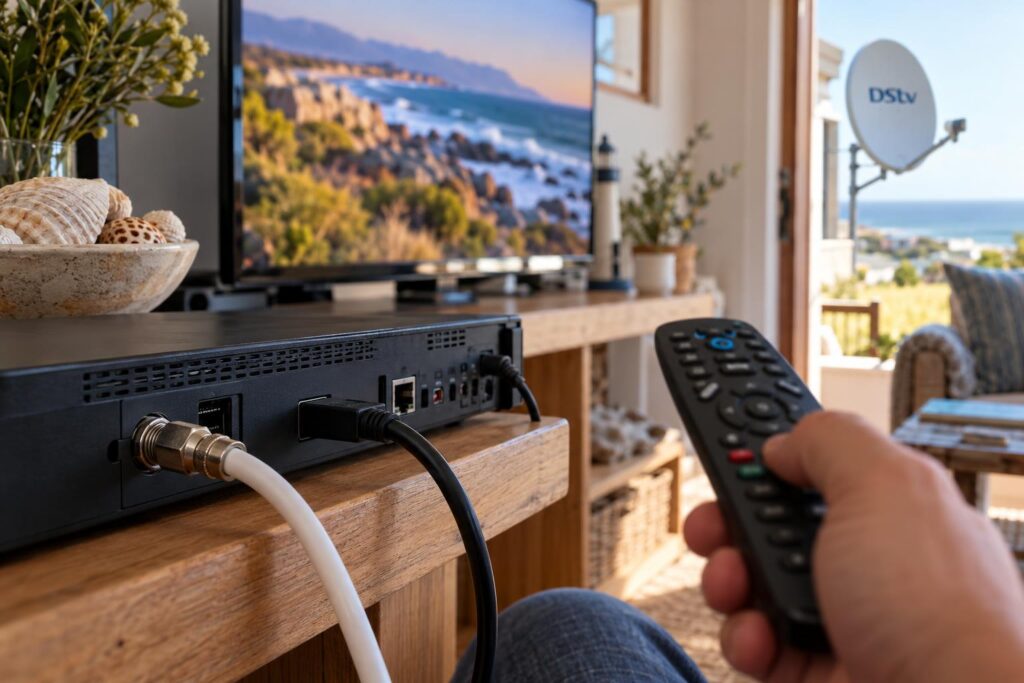
OpenView's own help page says it plainly: if you can only see channel 100, the decoder needs to be activated or reactivated. That is good news. It usually means the box is fine and only needs a message from the network.
We set up OpenView boxes in lounges, flatlets and guest rooms every week, often on the same visit as a full DStv installation in Gansbaai. The pattern is always the same. A box that has never been activated, or one that has been off the network for a long time, will sit on channel 100 until you activate it.
What a new decoder shows before activation
Expect one of these on a new box:
- Only channel 100 plays, and every other channel is black.
- A message such as "Channel not activated" or "No secure device".
- Error 200, 206, 69 or 20 on screen.
Signs an older decoder needs reactivating
An OpenView decoder that has worked for years can also drop back to channel 100. We see this often in holiday homes in De Kelders and Pearly Beach. The owners arrive for the long weekend, switch on, and find only the help channel. The steps to fix it are the same as for a brand new box.
What stops OpenView activation: the common causes
Before you dial anything, it helps to know why activation fails. In our experience on the Overberg coast, it comes down to four things.
A weak or missing signal from the dish
The activation instruction travels to your decoder over the satellite. If the signal is weak, the message never arrives, even when your phone says "success". OpenView says signal strength and quality should both be above 75% for smooth viewing. On the coast, salt air slowly eats connectors and LNBs, and we explain why in our article on how salt air damages satellite gear.
A dish on the wrong satellite or the wrong LNB
OpenView and DStv use the same IS-20 satellite, but on different frequencies. An old dish from another service may point somewhere else. An old or damaged LNB can also miss the OpenView frequencies. If you are weighing up a new LNB, our Smart LNB price guide explains what each type does.
A mistyped STB number
The STB number is long. One wrong digit and the system will not find your box. People also type the model number from the sticker by mistake.
A loose cable or power in the wrong order
A satellite cable that is not screwed in properly gives no signal. OpenView's advice is to unplug both power and dish cables, plug the dish cable in first, then power.
How to activate OpenView decoder with your phone (USSD)
This is the method we use on almost every job. It works from any cellphone, with no data and no app. Some people call it the SMS method, but you dial it like a normal number.
What you need before you start
- The decoder plugged into the TV and powered on.
- The dish cable firmly connected to the LNB IN port. If you are unsure which cable goes where, our guide to decoder cables and connections shows each port.
- Your OpenView remote. The HELP button is how you find the STB number.
- A cellphone with signal, and pen and paper.
- About fifteen minutes when the power is stable. Avoid starting just before a power cut.
How to activate OpenView decoder step by step
- Switch on the TV and decoder. Go to channel 100.
- Press HELP on the remote. Write down the STB number shown on the help screen.
- Check the signal strength and quality at the bottom of the same screen. Both should be above 75%.
- On your cellphone, dial *120*6843*1#. This number also appears in the bottom right corner of channel 100.
- Choose the activation option in the menu and follow the prompts.
- Type in your STB number exactly as it appears on screen.
- Leave the decoder on. It may reboot and update its software, which can take a few minutes.
- Once it settles, flick through a few channels to check they play.
Do not unplug the decoder while it updates, even if the screen goes black for a while. Pulling the plug halfway is a common reason people have to start again.
Local tip: Cell reception can be patchy at some homes on the Stanford road and on farms outside town. If the USSD menu keeps timing out, walk to the spot where your phone gets its best signal. The code only needs your phone, not the TV, so you can dial from the stoep or the garden.
How to activate OpenView decoder on WhatsApp or by phone call
If the USSD code will not cooperate, OpenView has two other help lines. Both need your STB number, so write it down first.
- WhatsApp: 082 966 6429. Send your STB number and explain that you need activation.
- Customer care: 0861 696 843. Useful if an error code will not clear and you want someone to talk you through it.
Those numbers are listed on the official OpenView help and FAQ page.
| Method | What you need | Best for |
|---|---|---|
| USSD *120*6843*1# | Any cellphone, STB number | First try, fastest in our experience |
| WhatsApp 082 966 6429 | Phone with data, STB number | When USSD keeps timing out |
| Call 0861 696 843 | Phone, STB number | Stubborn error codes |
If you would rather skip all of this, our OpenView HD installation service covers the dish, the decoder setup, activation and a full channel scan in one visit.
Still stuck on channel 100?
Our local team can check your signal, fix the dish and activate the decoder before we leave. Quotes are free.
OpenView error codes and what they mean
Error codes look scary, but they fall into two groups. Some mean the box is not active. Others mean there is no signal.
| On screen | What it means | What to do |
|---|---|---|
| 200, 206, No secure device | Channel not activated | Activate or clear errors by USSD |
| 69, Access denied | Activation not received | Clear errors by USSD |
| 20, Channels not subscribed | Activation not received | Clear errors by USSD |
| E04, E06 | Service blocked or card not authorised | Clear errors by USSD, then call OpenView |
| E52, No signal, No satellite found | No signal from the dish | Check cables and dish first |
How to activate OpenView decoder again after an error
For the activation errors, OpenView's steps are simple:
- Dial *120*6843*1# on your cellphone.
- Choose option 2 to clear error codes.
- Enter your area's postal code when asked.
- Pick the error message that matches your screen.
- Enter your STB number.
- Wait 5 to 10 minutes for the message to clear.
For E52 and "no signal" messages, dialling will not help. Unplug the power and dish cables, plug the dish cable back in first, then the power, and let the box reboot. If the signal still reads 0%, the problem is outside on the roof.
Signal checks for OpenView on the Gansbaai coast
Most failed activations we get called out to in Kleinbaai and Franskraal turn out to be signal faults. The decoder is fine. The dish is not.
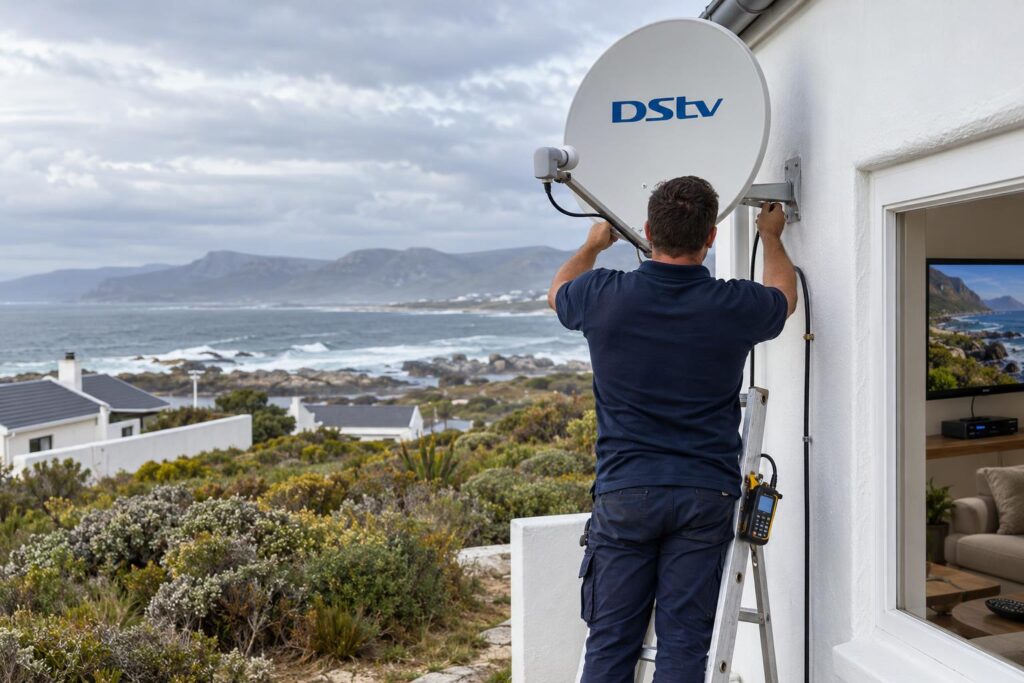
Rain fade and the south-easter
Heavy rain weakens satellite signals for a while, and OpenView notes that the picture returns once the rain passes. Wind is a different story. A strong south-easter can nudge a poorly fixed dish just far enough to lose the signal for good. Our article on signal drops in bad weather explains how to tell a passing storm from a real fault.
- If the picture breaks up only in heavy rain, wait it out before you try activating.
- If the signal stays low on a clear, calm day, the dish or LNB needs attention.
- If the dish arm wobbles when you touch it, do not try to fix it from a ladder in the wind.
Holiday homes and decoders that move house
Many homes in De Kelders, Franskraal and Pearly Beach stand empty for weeks. Decoders get unplugged, moved between houses, or left in a cupboard. OpenView says you can take your decoder with you when you move. If you want to use a box at a second property, read our guide on using a decoder at a holiday home first, because the dish at the new house matters more than the box.
Second-hand decoders
A used decoder can work well, but ask the seller for proof of purchase. If a box will not activate after several clean tries with a strong signal, phone OpenView before you assume it is broken.
When to call our team in Gansbaai
You can do the activation yourself in most cases. Call us when the problem is on the roof, not on the phone.
- The HELP screen shows signal strength or quality below 75%, or 0%.
- Your dish is old, rusted or was set up for a different service.
- You want DStv and OpenView from one dish, which needs a dual LNB.
- Errors come back after you clear them.
- You are not comfortable working on a ladder or roof.
We work across Gansbaai, Masakhane, Kleinbaai, De Kelders, Franskraal, Pearly Beach and out along the Stanford road. You can see the full list on our service areas around Gansbaai page.
At the time of writing (October 2026), OpenView lists its decoder at R799 and a replacement remote at R199 on its own site. Our Gansbaai DStv installers quote the dish, alignment and setup separately, and we always tell you if your existing dish can be reused.
We align by meter, seal the connectors against salt and rain, and do not leave until every channel plays.
Let us get your OpenView working today
One visit for dish, signal check and activation, anywhere on the Overberg coast.
How to activate OpenView decoder: FAQs
How do I activate my OpenView decoder with my phone?
Go to channel 100 and press HELP to see your STB number. Dial *120*6843*1# on your cellphone, choose activation and enter the STB number. Leave the decoder on while it reboots.
How long does OpenView take to activate?
In our experience it usually takes a few minutes, while the decoder reboots and updates. Clearing an error code can take 5 to 10 minutes. If nothing changes after half an hour, check your signal and then contact OpenView.
Can I activate an OpenView decoder without the remote?
It is very hard, because the STB number is shown on the HELP screen, which you open with the remote. OpenView sells a replacement remote for R199 at the time of writing (October 2026). Get the remote first, then activate.
Can I activate OpenView on WhatsApp?
Yes, you can WhatsApp OpenView on 082 966 6429 for help. Send your STB number with your message. You can also call customer care on 0861 696 843.
Why is my OpenView decoder not showing channels after activation?
Usually the signal is too weak for the activation to reach the box. Press HELP and check that strength and quality are above 75%. If they are low, the dish or LNB needs attention.
Do I pay to activate an OpenView decoder?
No. OpenView has no sign-up fee, no monthly subscription and no contract. You only pay for the decoder, the dish and any installation work.
Keep reading
DStv Installation Cost in Gansbaai: A Practical Quote Guide
The cost of a DStv installation in Gansbaai depends on the property, the equipment already on site and…
home-technologyHow Much Does a TV Mount Stand Cost?
TV mount stand prices depend on the type, the fittings and the fitting work. Here's how the options…
TroubleshootingDStv Catch Up Not Working in Gansbaai? 5 Myths and Real Fixes
Live TV works but Catch Up will not play? In Gansbaai the dish is rarely to blame. Here…