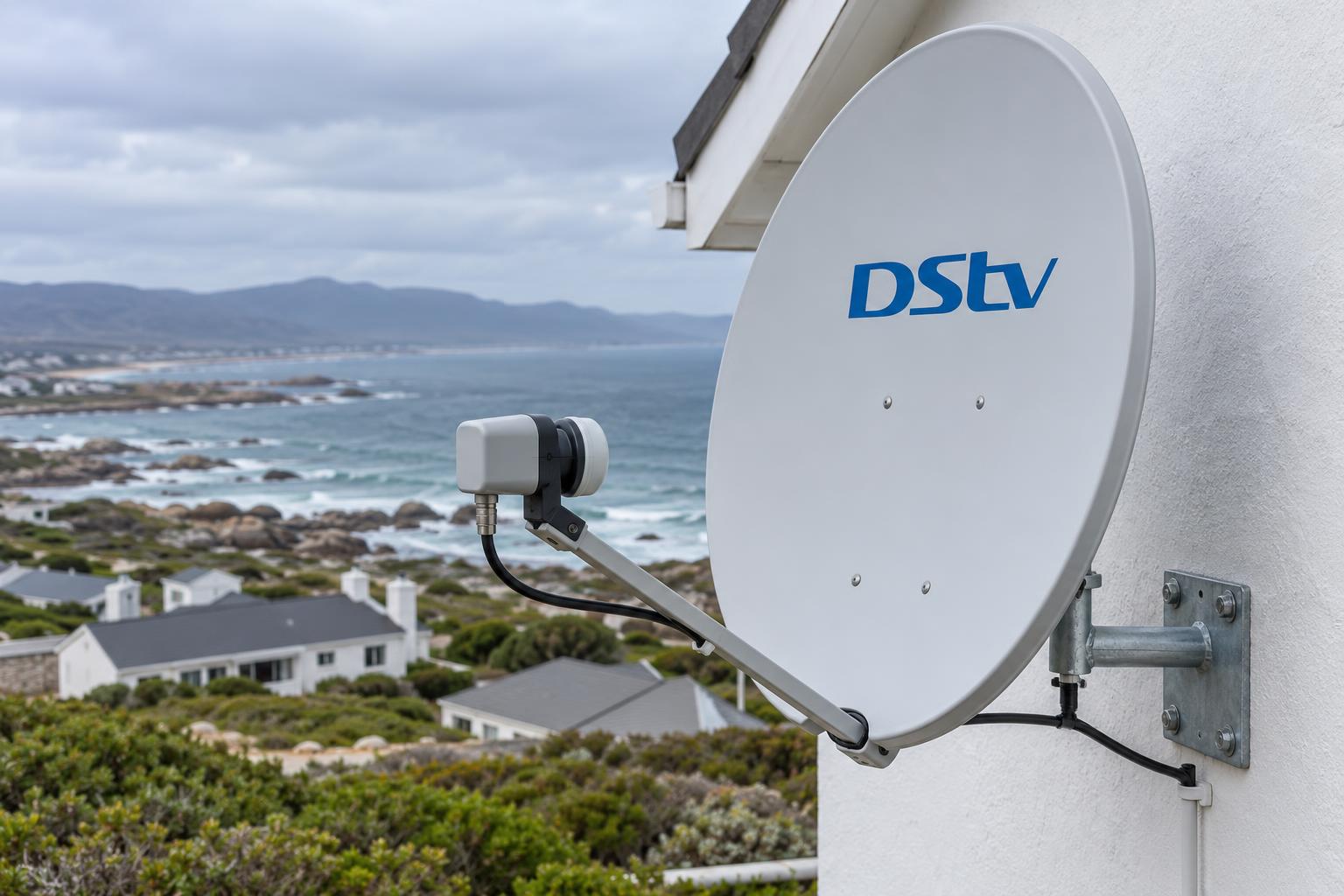
Quick answer: At the time of writing (October 2026), DStv lists the recommended retail price of the DStv Smart LNB at R449 for the part alone. Fitting, alignment and cable work are quoted on top, because every roof and dish is different. Most Gansbaai homes only need a Smart LNB for an Explora, an Ultra or an XtraView setup. A single HD decoder on one TV usually runs fine on a normal single LNB.
Most calls we get about the DStv Smart LNB price Gansbaai homeowners see online start with the same mix-up. Someone sees a cheap number on a shopping site and thinks the job is done. Then the picture still freezes, or the second decoder still says it has no signal.
This guide clears up the DStv Smart LNB price question. We start with the myths, then the facts, then what it means for homes on our stretch of the coast. At the end there is a short checklist you can use before you pay anyone.
Key points before you buy
- The official recommended retail price is R449 for the part, at the time of writing (October 2026).
- A Smart LNB is recommended for every Explora and most XtraView setups in a home with its own dish.
- It is not meant for shared dishes in complexes and apartment blocks.
- A frozen picture is often the dish, a cable or a wet connector, not the LNB.
- Salt air and the south-easter shorten the life of cheap fittings, so the fitting matters as much as the part.
DStv Smart LNB price: the myths we hear every week
We fit and replace LNBs from Kleinbaai to Pearly Beach. These are the three beliefs we correct most often.
Myth 1: "Any LNB from the shop will do"
Fact: there are many types of LNB. A single LNB, a quad LNB and a Smart LNB all look similar on the arm of the dish. They do different jobs.
A Smart LNB is a UniCable LNB. It carries signal for several decoders down one cable each, without a separate switch. A plain universal LNB cannot do that, so an Explora or a linked XtraView pair will not work properly on it.
Myth 2: "The DStv Smart LNB price is the whole bill"
Fact: the official DStv Smart LNB price of R449 is for the part on its own. Someone still has to get onto the roof safely, swap the unit, set the skew, re-check alignment and test every decoder.
That labour is where a good job and a poor job differ. Our DStv installation cost guide explains what a fair quote should list line by line.
Myth 3: "My picture is freezing, so the LNB must be dead"
Fact: a breaking picture has many causes. A dish knocked a few millimetres by wind, a corroded F-connector or water in the cable gives the same symptom.
We always test before we replace. Swapping a good LNB on a loose bracket fixes nothing and costs you twice.
What is a DStv Smart LNB, in plain words?
The LNB is the "arm" at the front of your dish. It collects the satellite signal that the dish reflects and turns it into something your decoder understands.
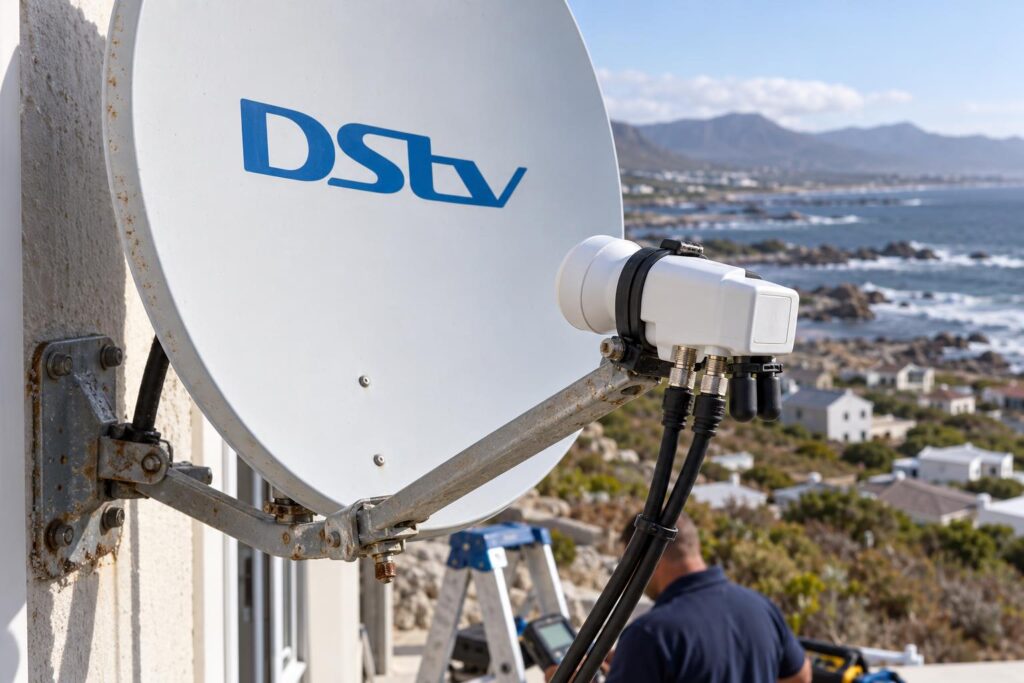
The Smart LNB was designed for DStv homes that have their own dish. DStv describes it as a DStv Switch built into a single UniCable LNB. You can read their own explanation on the DStv Smart LNB help page.
UniCable ports and the universal port
The current model has three UniCable outputs and one universal output. Newer decoders connect to the UniCable ports.
The universal port is there for equipment that does not use UniCable. Any UniCable port you do not use must be closed with one of the 75 ohm caps in the box. An open port lets the signal degrade, and the caps are one of the first things salt air eats.
Smart LNB models you may see on the arm
The first model was the LMX500. DStv later replaced it with the LMX501, which has 30 user bands. You may also see listings for the LMX502.
If your LNB is very old, sun-cracked or green around the connectors, the model number matters less than its condition. We check both.
The real DStv Smart LNB price in October 2026
The DStv Smart LNB price set by DStv is a recommended retail price of R449, at the time of writing (October 2026). They sell it through accredited installers, MultiChoice service centres and DStv agencies.
Online sellers often charge more than that DStv Smart LNB price. Some cheap listings are old stock or a different LNB type altogether. Check the price on the official DStv price page before you buy.
What a fitted price should include
A fitted DStv Smart LNB price is the part plus the work around it. We quote it after a quick look at your dish, decoder and cable run.
| Item | What to check in the quote |
|---|---|
| The Smart LNB | A genuine DStv Smart LNB, named in writing |
| Call-out and testing | Signal tested before and after the swap |
| Fitting and skew | LNB seated and turned to the correct angle |
| Dish alignment | Meter check of signal quality, not just strength |
| Connectors and caps | Fresh F-connectors and sealed, capped ports |
| Decoder setup | Each decoder set to the right LNB type and tested |
If your dish has crept out of line, a proper satellite dish alignment service is part of the fix. A new LNB on a dish pointing slightly wrong still gives a weak picture when the clouds roll in.
Is the DStv Smart LNB price worth it for one TV?
For one HD decoder on one TV, DStv recommends a single LNB on an 80cm dish. A Smart LNB still works with the HD decoder, but DStv notes it is an extra charge.
The extra DStv Smart LNB price can make sense if you plan to add an Explora or a second room later. DStv points out that with a Smart LNB already fitted, you do not need to change the LNB when you upgrade to XtraView.
Not sure if your LNB is the problem?
Send us a photo of your dish arm and the back of your decoder on WhatsApp. We will tell you honestly whether you need a Smart LNB, an alignment or just a new connector.
When Gansbaai homes actually need a Smart LNB
Here is how it plays out in real homes around town, De Kelders and Franskraal.
You are getting an Explora or an Ultra
MultiChoice recommends the Smart LNB for all Explora installations in a home with its own dish. When we do DStv Explora and Ultra installation, we check the LNB first so the new decoder gets a clean signal on day one.
If the LNB is wrong, the setup screens can fail before you even see a channel. Our guide to the DStv installation wizard steps shows where that usually goes wrong.
You are adding XtraView in another room
A Smart LNB lets each decoder run off its own cable straight from the dish. That means the bedroom decoder does not have to sit next to the lounge one.
DStv does say that some XtraView combinations still need a multiswitch with a quad LNB. If your second room shows a heartbeat error after a change, read our page on XtraView heartbeat errors and fixes.
When you probably do not need one
- You have one HD decoder on one TV and no plans to add a room.
- You live in a complex in Gansbaai or Kleinbaai with a shared dish system. The Smart LNB is not made for those.
- Your picture problem started after a storm and the LNB looks fine. That is usually alignment.
- You still use an old Dual View decoder or SD PVR. DStv notes these cannot receive the high-band signals, even with a Smart LNB.
Smart LNB vs universal LNB: which one fits your decoder?
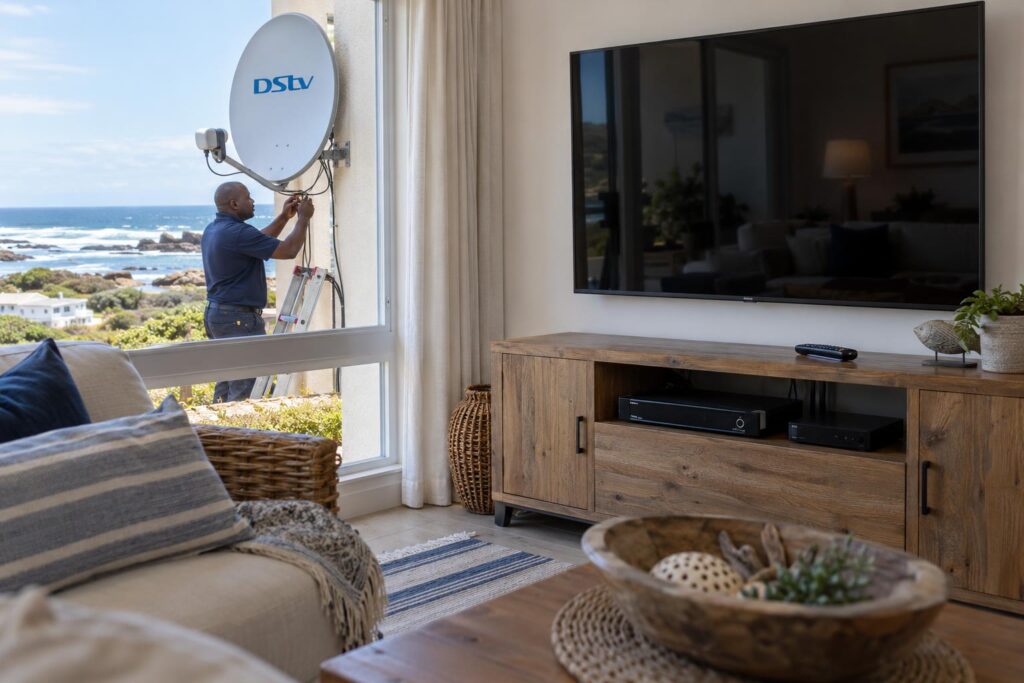
The simplest way to choose is to look at your decoders, not at the DStv Smart LNB price alone. This table sums up what we fit in most homes.
| Your setup | LNB we usually recommend |
|---|---|
| One HD decoder, one TV | Single LNB on an 80cm dish |
| Explora or Ultra | DStv Smart LNB |
| Explora plus HD decoder on XtraView | DStv Smart LNB, in most cases |
| Unusual XtraView combination | Quad LNB with a multiswitch, checked on site |
| Complex or block of flats | The building's shared system, not a Smart LNB |
The cable matters too. A Smart LNB on old, cracked coax will still drop out. Our page on decoder cables and connections shows which plug goes where on the back of the box.
What the coast does to an LNB around Gansbaai
Gansbaai is hard on outdoor electronics. Salt spray, damp winter fronts and a strong south-easter all work on the dish arm every day.
We see the most wear on exposed homes in De Kelders and on the front row at Pearly Beach. Out on the farms along the Stanford road, the issue is more often sun and long cable runs.
- Salt gets into unsealed connectors and turns them green.
- Uncapped ports let moisture in and weaken the signal.
- Wind slowly twists a loose LNB clamp out of its correct skew.
- Strong sun cracks the plastic cover over a few seasons.
- Power cuts and surges can damage decoders, so a plug-in surge protector is cheap insurance.
Local tip: If you own a holiday home, ask us to check the dish and LNB before the December rush. A fault found in October is a quick fix. A fault found when the house is full of family is a long wait.
We seal every connector and cap every spare port as standard. More on that in our article on salt air satellite setups.
Checklist before you pay a DStv Smart LNB price
Run through these steps before you pay any DStv Smart LNB price or accept a quote. It keeps you from paying for the wrong thing.
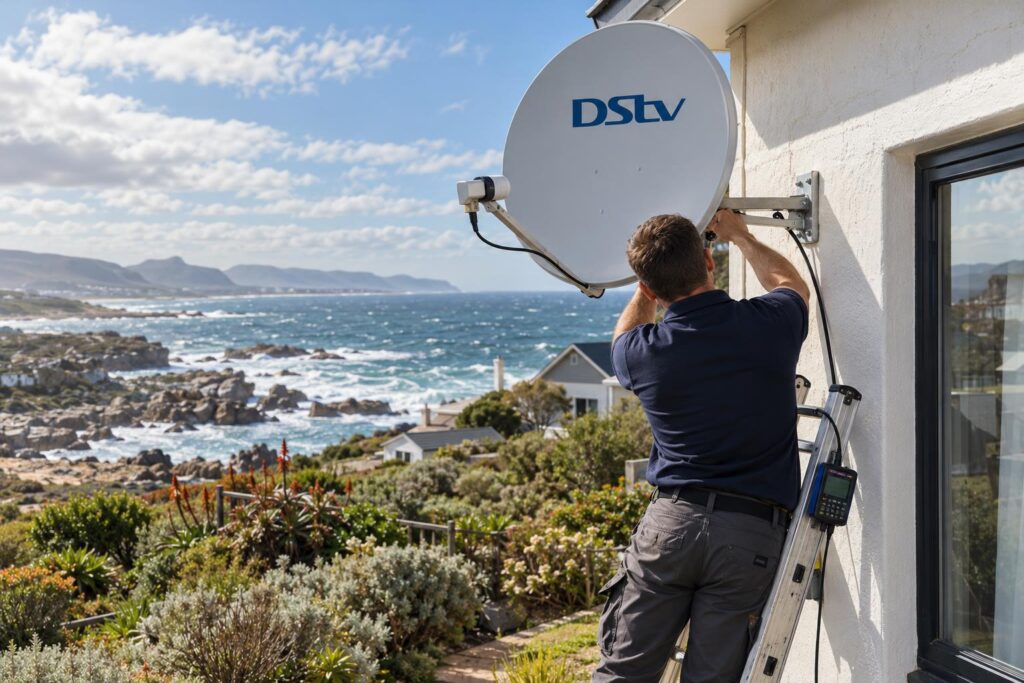
- Write down your decoder model. Look at the label under or behind the box.
- Count how many decoders share the dish, and in which rooms.
- Take a photo of the LNB arm and the cable plugs at the dish.
- Note when the fault happens. Clear days, rainy nights, or only on some channels?
- Ask for a signal test before anyone condemns the LNB.
- Make sure the quote names a genuine DStv Smart LNB, not just "LNB".
- Confirm that alignment, connectors and caps are included.
- Ask about the workmanship guarantee in writing.
The steps are the same in Masakhane, the town centre or on a farm along the Overberg coast. When you are ready, our Gansbaai DStv installers can test the whole chain from dish to decoder in one visit.
Signs your Smart LNB really has failed
- Channels disappear on clear, calm days.
- Signal readings jump around with no change in weather.
- Visible cracks in the LNB cover, or water inside it.
- Green or rusted connectors right at the LNB.
Any one of these is worth a call. For a new setup, a move or an upgrade, booking a full DStv installation in Gansbaai covers the dish, LNB, cabling and decoder setup together.
Want the right LNB fitted once, and fitted properly?
We work across Gansbaai, Kleinbaai, De Kelders, Franskraal and Pearly Beach. Quotes are free and we explain every line.
The DStv Smart LNB price is small next to the cost of repeat call-outs. A good LNB, fitted well, should give you years of steady viewing. A rushed one gives you a callout every winter.
DStv Smart LNB price FAQs for Gansbaai
What is the DStv Smart LNB price in South Africa?
At the time of writing (October 2026), DStv lists a recommended retail price of R449 for the Smart LNB. Online sellers may charge more. Fitting, alignment and cable work are quoted separately.
Does the DStv Smart LNB price include installation?
No. The DStv Smart LNB price of R449 is for the part only. A fitted job adds the call-out, roof work, alignment, connectors and decoder testing, which we quote after checking your setup.
Do I need a Smart LNB for a DStv Explora?
Yes, in a home with its own dish. MultiChoice recommends the Smart LNB for all Explora installations. We check the LNB on every Explora and Ultra job before we set up the decoder.
Can I use a Smart LNB with a normal HD decoder?
Yes, the HD decoder works with a Smart LNB. DStv's standard setup for one HD decoder is a single LNB on an 80cm dish. A Smart LNB is worth it if you plan to add XtraView later.
What is the difference between a Smart LNB and a universal LNB?
A Smart LNB is a UniCable LNB with a switch built in, so several decoders can each run off their own cable. A universal LNB does not do this. Explora and most XtraView setups need the Smart LNB.
Can I replace a DStv Smart LNB myself?
You can swap the part, but it is easy to knock the dish or skew out of line. Roof work in Gansbaai wind is also risky. DStv recommends that LNB changes are done by accredited installers.
Keep reading
CCTV for an empty holiday home on the Overberg coast
Half the houses on this coast stand empty for weeks. Here's what actually matters when choosing cameras to…
GuidesCheapest DStv Decoder Price: What You Give Up
The cheapest DStv decoder saves you money upfront and monthly. Here's what you lose on recording and 4K,…
For businessSetting up DStv & WiFi in your Gansbaai guesthouse or holiday let
Guests expect great TV and WiFi. Here's how to set up your let so it impresses: and so…