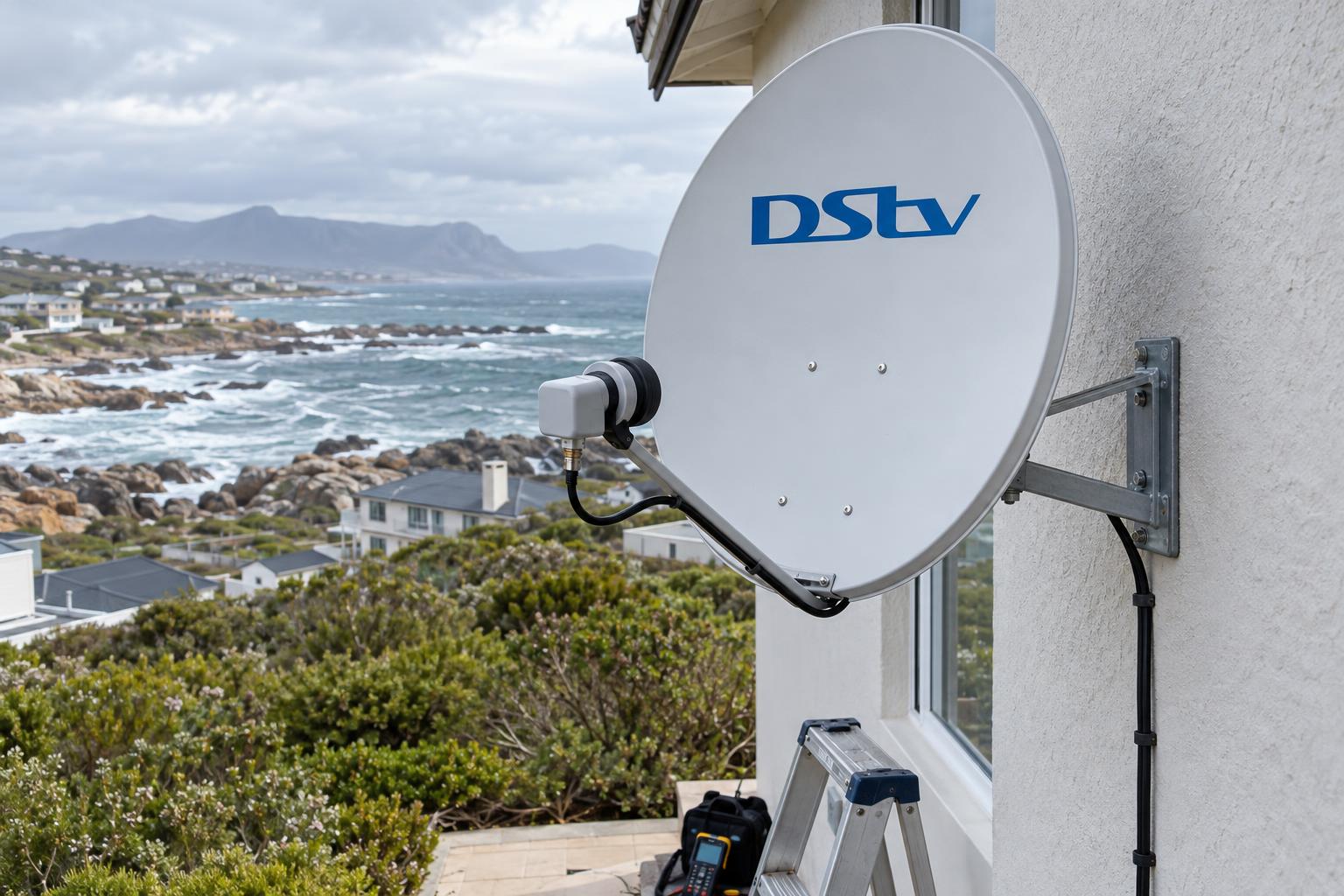
Quick answer: Most faults with DStv decoder cables Gansbaai homeowners report come down to four leads: the HDMI cable to the TV, the satellite coaxial cable from the dish, the power supply and the network cable. A loose, wet or corroded coaxial connector is the most common cause of "no signal" on this coast. Check the TV input and HDMI first, then the satellite cable, and call us if the fault is outside or on the roof.
Your TV says "No signal", or the screen is black, and the decoder looks fine. In our experience, the culprit is often one of the DStv decoder cables Gansbaai homes depend on, not the decoder itself. This guide explains what each cable does, why cables fail on the coast, and what you can safely check before you phone anyone.
Key points before you start
- Each cable behind the decoder has one job. Knowing which job helps you find the fault fast.
- "No input" on the TV is usually an HDMI or input problem. E48-32 is a satellite signal problem.
- Salt air and wind off the bay damage outdoor connectors faster than anything else.
- Never swap ports on an Explora or XtraView setup just because a plug fits.
- Switch the decoder off before you unplug or tighten any satellite cable.
When DStv decoder cables let you down
Faults in DStv decoder cables rarely announce themselves clearly. The picture freezes for a second, then comes back. Or it works all week and drops out the moment the south-easter picks up.
That stop and start pattern is a strong clue. A decoder that is truly broken usually stays broken. A cable that is loose, damp or kinked tends to fail some of the time.
We see this all the time in Kleinbaai and Franskraal, where homes face straight into the weather. If the trouble always arrives with a storm, read our guide on what to do when signal drops as well, because rain fade and cable faults can look alike.
Common signs of a cable problem
- The picture breaks into blocks or freezes for a few seconds.
- E48-32 appears on some days but not others.
- The fault clears when you wiggle a lead behind the decoder.
- Live TV works, but online features like Catch Up keep failing.
- The decoder switches itself off or restarts after a power cut.
The DStv decoder cables behind your box, one by one
Turn your decoder around and you will usually find three or four DStv decoder cables. Each one carries something different. Mixing them up leads people to fix the wrong thing.
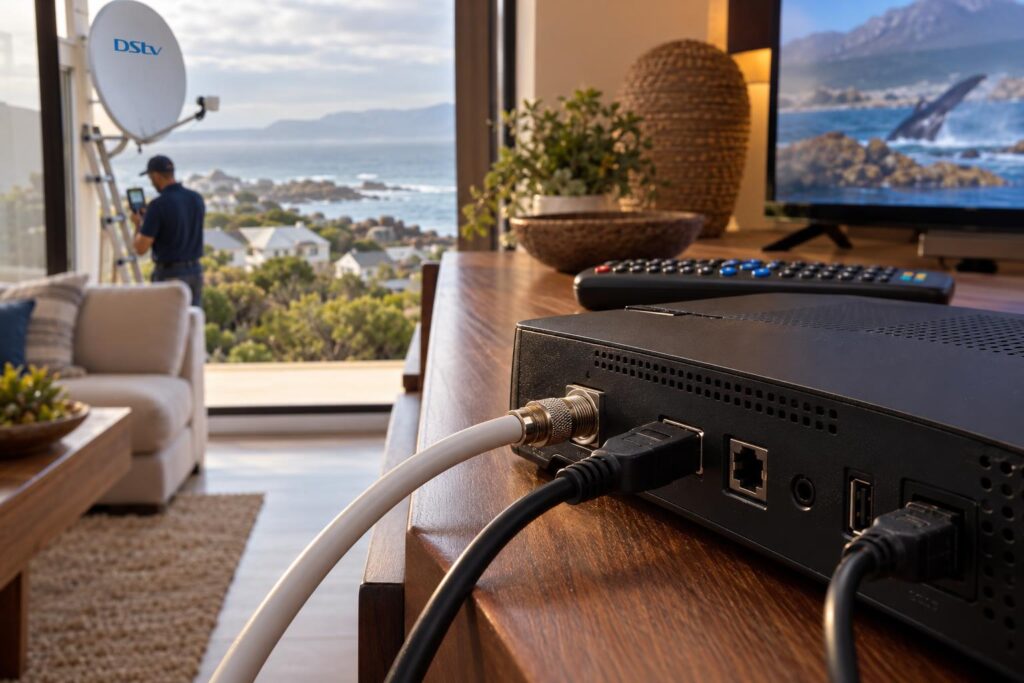
HDMI cable: picture and sound to the TV
The HDMI cable is the flat plug that runs from the decoder to your television. It carries the picture and the sound. If it fails, the TV shows "No input" or "No source", even though the satellite signal is perfect.
Older decoders and older TVs can also use the red, white and yellow AV cable. It still works, but the picture is not HD. For a modern screen, HDMI is the right choice.
HDMI plugs get damaged most often behind wall-mounted TVs, where the lead is bent sharply against the wall. Our TV wall mounting service uses angled plugs and proper cable routing so the connector is never under strain.
Satellite coaxial cable: the signal from the dish
This is the round cable that screws onto the decoder's LNB In port. It brings the satellite signal down from the dish. It also sends a small current up to power the LNB on the dish arm.
It must be proper 75 ohm satellite cable, usually called RG6, with screw-on F connectors at each end. Old TV aerial cable and push-on plugs lose signal and let water in.
LNB cable and the Smart LNB
The LNB is the small unit at the front of the dish. Explora homes usually run on a Smart LNB, which can feed more than one decoder from a single cable. If you are unsure which LNB you have, our DStv Smart LNB price guide explains how to tell and when an upgrade makes sense.
Power supply and network cable
The power supply must be the correct one for your decoder model. A plug that fits is not proof that it supplies the right voltage.
The network cable, or WiFi, only carries online features like Catch Up and streaming apps. It never carries satellite channels. If those online features keep dropping, our guide to connecting an Explora to WiFi covers the fixes.
Why DStv decoder cables fail on the Overberg coast
DStv decoder cables that last ten years inland can fail in two winters here. The causes are almost always the same, and most of them are outside the house.
Salt and moisture in the connectors
Salty air settles on the F connector at the LNB and slowly works its way inside. The copper centre turns green, and the signal weakens bit by bit. Homes on the cliffs at De Kelders and near the harbour see this first.
Once water is inside the cable, a new plug only helps for a while. The damp keeps creeping along the copper. Our article on how salt air attacks satellite gear shows what to look for on your dish arm.
Wind and loose cable runs
A cable that flaps against a gutter or roof sheet wears through its outer jacket. Over time, the wind also loosens the connector at the LNB. We clip every run firmly so it cannot move.
Power cuts and surges
Load shedding and storm surges can damage a decoder's power supply. A surge can also travel along the satellite cable. A good surge protector on the decoder plug is cheap insurance.
Holiday homes standing empty
Many houses in Pearly Beach and Franskraal stand empty for months. Nobody notices a small connector fault until the family arrives for the holidays and nothing works. Our Gansbaai DStv installers often check DStv decoder cables for owners before the season starts.
Local tip: Look up at your dish after a big blow. If the cable hangs in a loop or the black boot on the LNB has slipped, water is probably getting in. Note it and tell us when you call.
Cable fault or something else? Reading the screen
The message on your TV tells you where to look. DStv publishes a full list of decoder messages on its official error codes page. Here are the ones that matter for DStv decoder cables.
| What you see | What it usually means | Where to look first |
|---|---|---|
| "No input" or "No source" on the TV | The TV is not receiving anything from the decoder | TV input setting and the HDMI cable |
| E48-32 | The decoder is searching for the satellite signal | Weather, the coaxial cable, the LNB and dish alignment |
| E74 or E75 (LNB overload) | The decoder sees a fault on the line to the LNB | A short in a connector or a damaged cable |
| E73 (TV link overload) | A fault on the TV link line used for an extra room | The TV link cable and its connectors |
| Live TV works, Catch Up fails | The satellite side is fine, the internet side is not | Router, WiFi or the network cable |
An LNB overload message is worth taking seriously. On older installs, it often means a strand of braid is touching the centre copper inside a connector. That is a job for a ladder and a crimp tool, not the remote.
How to check your DStv decoder cables safely
You can check the indoor DStv decoder cables yourself in about ten minutes. Work through them in this order, and stop when the picture comes back.
- Write down the exact message on the screen, including the error code.
- Check the decoder has power and its front light is on.
- Press the Source or Input button on the TV remote and choose the HDMI port the decoder uses.
- Push the HDMI plug firmly into the decoder and the TV. Try a spare HDMI cable if you have one.
- Switch the decoder off at the wall before touching the satellite cable.
- Check the coaxial plug on the LNB In port is screwed on finger tight, without changing ports.
- Switch on again and wait two minutes for the decoder to find the signal.
- If you have more than one decoder, check whether the others show the same fault.
If every decoder in the house has the same problem, the fault is almost always shared: the dish, the LNB or the main cable. If only one room is affected, the fault is usually in that room's cable or decoder.
If a reset sends the decoder back to its setup screens, our guide to the DStv installation wizard steps explains each screen.
What not to do
- Do not move a cable to a different satellite port just because it fits.
- Do not pull a coaxial cable out by the wire. Unscrew it by the metal fitting.
- Do not climb onto a wet or windy roof to check the LNB.
- Do not add a cheap splitter to feed another room. It can block signal to every decoder.
Still no picture after these checks?
Send us the error code and a photo of the back of your decoder. We will tell you honestly whether it is a quick fix or a call-out.
DStv decoder cable connection for Explora and XtraView homes
Single-view homes are simple: one dish, one cable, one decoder. Explora and multi-room homes need more care with DStv decoder cables, because the decoders share the signal in a planned way.
Smart LNB and unicable outputs
A Smart LNB has more than one output. One output is designed for decoders that share a single cable. The others are for older, standard decoders. The decoder settings must match the output it is plugged into.
If someone moves a cable to the wrong output, you may see no signal, missing channels or a decoder that refuses to link. We see this most after a move or a DIY decoder swap.
Extra rooms and linked decoders
XtraView links two decoders on one account. Each decoder still needs its own clean satellite feed. If one room keeps losing its link, our guide to XtraView heartbeat errors walks through the usual causes.
Before you unplug anything in a multi-room home, label both ends of all your DStv decoder cables and take a photo of the decoder's back panel. It saves a lot of guesswork later.
When to call our Gansbaai team
Some faults in DStv decoder cables are easy. Others sit on the roof, inside a wall or at the far end of a long run to a granny flat. Those are the ones we are happy to take off your hands.
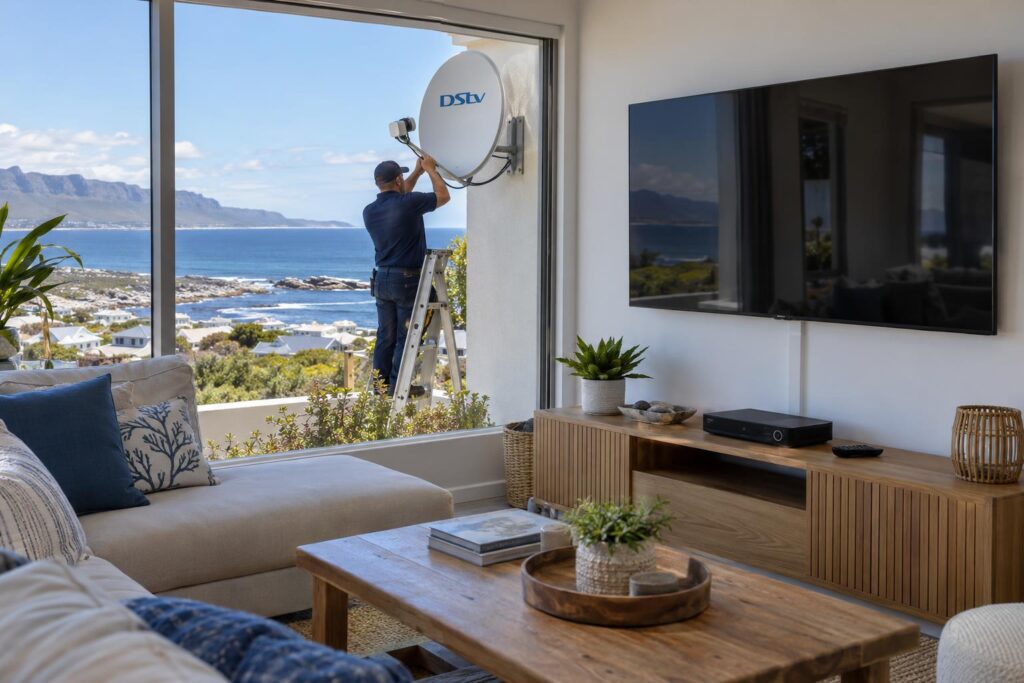
Call us when
- The fault is at the dish, the LNB or anywhere you need a ladder.
- You see an LNB overload message.
- Cables have green corrosion or a cracked outer jacket.
- Your cable runs through the roof or walls and you cannot see where it is damaged.
- You are adding a room, an Explora or a wall-mounted TV.
What we do on a cable call-out
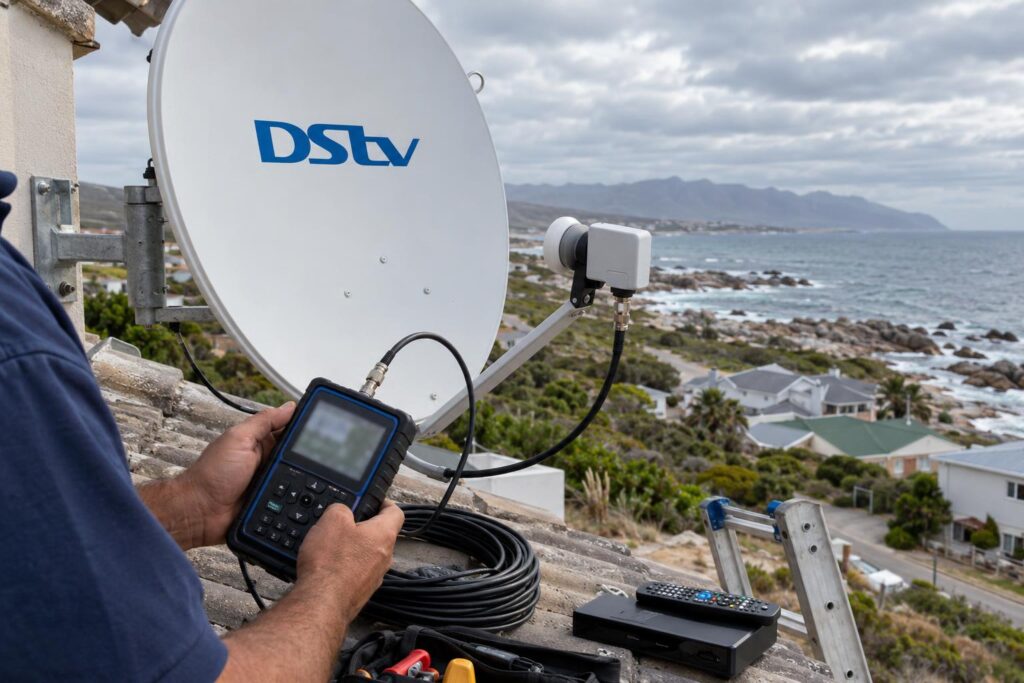
We test the signal at the dish and at each decoder with a meter, so we find the exact faulty section. We replace damaged runs with proper RG6 cable, fit compression connectors and seal every outdoor joint.
If the old setup is beyond saving, a new DStv installation with a fresh cable run is sometimes the better long-term choice. Where only part of the run is damaged, we replace that section. We will show you the damaged part and explain the options before any work starts.
We cover the whole coast, from Masakhane and town to De Kelders, Kleinbaai and the farms along the Stanford road. Booking a local team for DStv installation in Gansbaai means we can usually be with you the same day.
Have your decoder model, the error code and a rough idea of where the cable runs ready when you call. It helps us bring the right parts the first time.
Let us sort your DStv decoder cables properly
Sealed connectors, tidy runs and a full signal test before we leave. Our work is backed by a written workmanship guarantee.
DStv decoder cables: questions we hear in Gansbaai
How do I connect DStv decoder cables to my TV?
Run an HDMI cable from the decoder's HDMI port to a free HDMI port on the TV. Screw the satellite cable from the dish onto the decoder's LNB In port and plug in the power. Then use the TV remote to select the matching HDMI input.
Which cable goes from the dish to the DStv decoder?
A 75 ohm satellite coaxial cable, usually RG6, with screw-on F connectors at both ends. It carries the signal down and powers the LNB on the dish. Old TV aerial cable is not suitable.
Can I use a cable joiner or splitter on my DStv cable?
A joiner is a weak point and lets water in, so we avoid joins outdoors. A cheap splitter can block the signal the decoder sends to the LNB. Extra rooms should be fed through the correct LNB output or a proper multiswitch.
Why does my decoder show an LNB overload error?
DStv lists E74 and E75 as LNB overload messages. In practice, this often points to a short inside a connector or a damaged cable. Switch the decoder off and call an installer rather than climbing onto the roof.
Can I replace DStv decoder cables myself?
You can safely replace an HDMI lead or a power supply of the correct type. Satellite cables need proper connectors, sealing and a signal test. Outdoor and roof work is best left to an installer.
Does an Explora need different DStv decoder cables?
An Explora uses the same HDMI, power and RG6 satellite cable as other decoders. The difference is that it usually runs from a Smart LNB, so the cable must be on the right LNB output. It also uses WiFi or a network cable for online features.
Keep reading
Complete TV, WiFi and Security Plan for a Gansbaai Coastal Property
A coastal property works better when television, WiFi and security are planned together. Each system needs power, cable…
home-technologyOpenView Decoder Price Questions Answered
What the OpenView decoder costs, what the box leaves out, and how a coastal roof changes the total…
DSTV Tips & GuidesDStv Dual View Gansbaai: 7 Steps to Proper Two-Room TV
Want different channels in two rooms on one DStv subscription? Here is what DStv Dual View means today,…