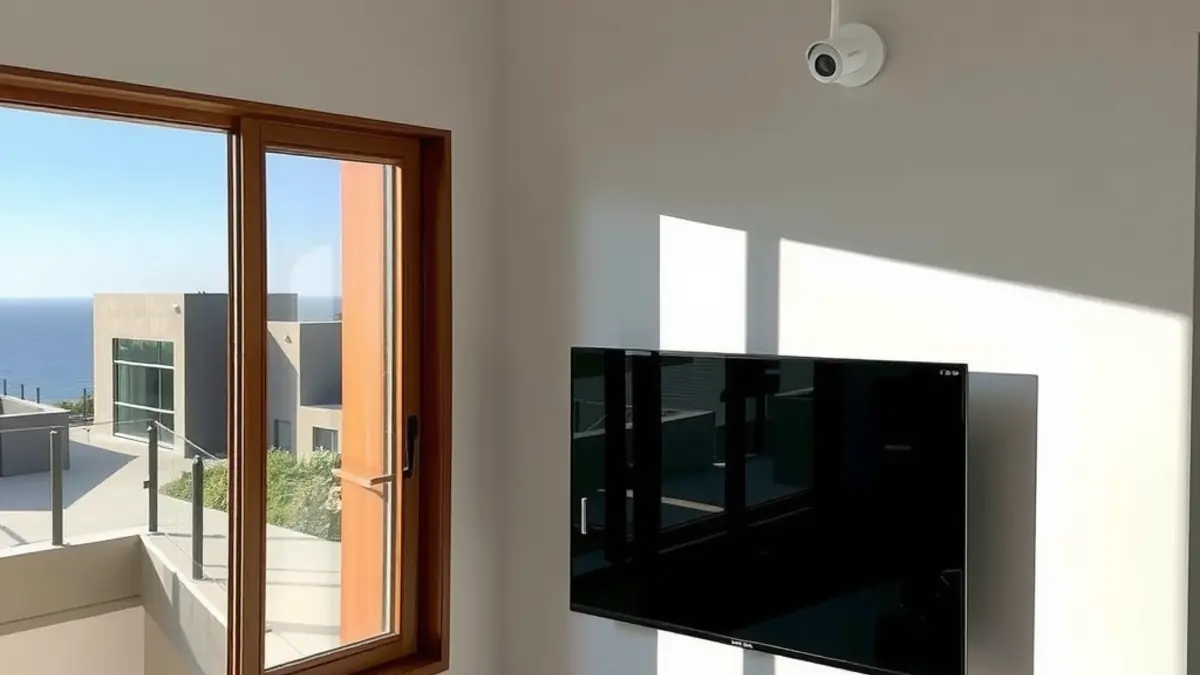
A coastal property works better when television, WiFi and security are planned together. Each system needs power, cable routes, equipment space and ongoing access. If they are installed one at a time without a shared plan, cables compete for the same wall cavities, routers end up in cupboards, cameras overload weak coverage and televisions are mounted before signal points are ready.
This guide provides a practical planning sequence for homes, holiday properties and guest accommodation in Gansbaai, De Kelders, Kleinbaai, Franskraal and Pearly Beach. It focuses on maintainability in an exposed Walker Bay environment rather than promising that equipment can be made maintenance-free.
Step 1: define how the property will be used
Start with occupancy. A permanently occupied family home has different support needs from a holiday let that stands empty or guest accommodation with rapid room turnover. List the people who use each space, the devices they bring and who will respond when something stops working.
Create a room schedule that records television, streaming, WiFi and security needs. Include outdoor entertainment areas, offices, garages and cottages. This prevents a strong lounge setup from hiding gaps elsewhere.
Step 2: draw one cable and equipment plan
Mark the fibre entry, router, access points, television points, decoder locations, camera positions, recorder and power outlets on a basic floor plan. Identify routes that remain accessible. Roof spaces, exterior conduits and distribution cupboards should be sized and ventilated for the equipment they carry.
Separate mains electrical work from low-voltage signal planning and use suitable trades for each. Label cables at both ends. Leave spare capacity in practical conduits where future expansion is likely, but avoid exposed coils that can move in wind or collect moisture.
Step 3: design the television system
Decide whether rooms need DStv, streaming, free-to-air television or a combination. A new DStv installation should be based on decoder choice, room count and a suitable dish position. Existing equipment can be tested, but visible rust or age alone is not a complete diagnosis.
For compatible connected decoders, an Explora or Ultra setup needs both stable satellite reception and dependable network access. If separate decoder environments are needed, assess Extra View during design, before walls and ceilings are closed.
Step 4: place televisions safely
Good TV wall mounting considers wall structure, bracket capacity, viewing height, reflections, ventilation and port access. The screen should not block a route or sit where an opening door can strike it. In bedrooms, check the viewing angle from the bed rather than using the lounge height by default.
Plan where the decoder, streaming device and sound equipment will sit. Concealing every component behind a screen can interfere with remote control, trap heat and make maintenance difficult. A tidy installation still needs service access.
Step 5: build WiFi around measured coverage
A fast internet package does not guarantee coverage throughout a long coastal house. Thick walls, level changes, metal features and router placement all affect the in-home result. A WiFi and fibre network plan should measure or test key areas and place access points where they can serve real device locations.
Use wired connections for fixed high-demand equipment where practical. Separate or segment guest access from operational equipment such as recorders and management devices. Document access point locations and keep network equipment ventilated and protected from casual tampering.
Step 6: design CCTV from risks, not camera count
A useful CCTV installation begins with entrances, vehicle areas, blind approaches and the route to the recorder. Camera angle, lighting and identification distance matter more than a long list of megapixels. Avoid views into neighbouring private areas, and never place cameras in spaces where occupants or guests reasonably expect privacy.
Decide who may view live feeds, how recordings are retained and what happens during an internet outage. Remote viewing depends on the network, but local recording should be planned deliberately. Secure the recorder and backup power arrangement according to the property's needs.
Step 7: choose free-to-air options deliberately
Openview HD can provide a separate free-to-air satellite option using compatible equipment and activation. It may suit selected rooms or occasional-use properties, but channel availability and equipment requirements should be checked rather than assumed.
Where terrestrial reception is required, a TV aerial installation should follow a reception assessment. An aerial, satellite dish and WiFi access point perform different jobs. Combining their cables without labels makes future diagnosis unnecessarily difficult.
Step 8: account for shared or commercial use
A single home and a building with several independent units should not use the same design by accident. Communal DStv requires planned distribution, unit boundaries and clear responsibility for shared equipment. Access to common areas and approval from the relevant property body may be needed.
Guest accommodation and customer-facing venues should assess commercial DStv requirements based on their operation. Confirm current subscription terms directly. Technical distribution and content rights are related decisions, but one does not automatically settle the other.
Coastal installation details that improve maintainability
- Use stable mounting points suited to the structure and exposure.
- Protect outdoor connectors and route cables to shed water.
- Support cable so wind cannot rub it against sharp edges.
- Keep network and recording equipment away from damp, heat and unventilated cupboards.
- Label distribution points and photograph concealed routes before closing them.
- Provide safe future access rather than placing every device at maximum height.
No outdoor installation lasts forever. The goal is to reduce avoidable failure and make inspection or replacement straightforward.
Create a handover pack
A complete handover pack should include a room schedule, cable map, equipment list, warranty documents and simple operating instructions. Record model and serial details without publishing them in guest-facing material. Note which devices depend on the internet and which continue to work locally.
For a holiday property, include an arrival check and departure check. The arrival check confirms power, television input, network status and camera recorder operation where authorised. The departure check secures remotes, confirms equipment ventilation and reports any visible damage.
Plan fault finding before a fault
Separate symptoms by system. A DStv error on every television suggests a different path from one smart TV failing to stream. A camera that records locally but cannot be viewed remotely suggests a different issue from a camera with no power.
For satellite problems, use DStv signal repair and measured dish alignment rather than repeated decoder resets. For network faults, test the wired connection, access point and internet service separately. Clear labels and documentation shorten every one of these checks.
Implementation sequence for renovations
- Confirm room uses and final furniture positions.
- Mark power, network, TV and camera requirements.
- Approve dish, aerial and camera positions.
- Install conduits and first-fix cabling.
- Photograph and label concealed routes.
- Finish walls, then install brackets and equipment.
- Configure each system and test from normal user positions.
- Deliver documentation and train the responsible person.
If the project must be phased, install the shared cable and network backbone first. Decorative finishing should come after positions and access needs are confirmed.
Review the plan annually and after building work
Inspect visible outdoor cable, brackets and seals. Test each television, room access point and camera view. Update passwords and authorised users according to your security policy. Remove abandoned cables and old devices from documentation when they are retired.
Also review the system after roof repairs, painting, additions or furniture changes. Contractors can move cables or block camera and WiFi paths without realising the effect. A short post-work test can identify the issue while access is still available.
Planning a coastal property project in Gansbaai? Start with one room and cable plan for television, WiFi and CCTV, then scope the installation in the correct sequence.
Frequently asked questions
Should TV, WiFi and CCTV be installed by the same company?
They do not have to be, but the designs should be coordinated. Shared planning prevents conflicting cable routes, poorly placed equipment and uncertainty about who is responsible for testing each connection.
Where should the network router go in a coastal house?
Place it near suitable service entry and power while avoiding damp, heat and closed metal cupboards. The best final position depends on the floor plan, so coverage should be measured and access points added where needed.
Can one dish serve several units?
A properly designed communal system can distribute service to multiple units, but it needs compatible equipment, clear ownership, access and provider arrangements. Do not split a domestic feed informally.
Does CCTV need an internet connection?
Local recording can be designed to work without continuous internet, while remote viewing generally needs connectivity. The recorder, network, user access and outage behaviour should be agreed during design.
How often should coastal TV and security equipment be checked?
Inspect it periodically and after severe weather or building work. The appropriate interval depends on exposure and use, but visible damage, loose cable, water entry or unstable mounting should be addressed promptly.
Keep reading
DStv Installation Cost in Gansbaai: A Practical Quote Guide
The cost of a DStv installation in Gansbaai depends on the property, the equipment already on site and…
GuidesCheapest DStv Decoder Price: What You Give Up
The cheapest DStv decoder saves you money upfront and monthly. Here's what you lose on recording and 4K,…
ConnectivityBest WiFi Router Features for Streaming DStv and Netflix
The six WiFi router features that keep DStv and Netflix streaming smoothly, the extras you can skip, and…