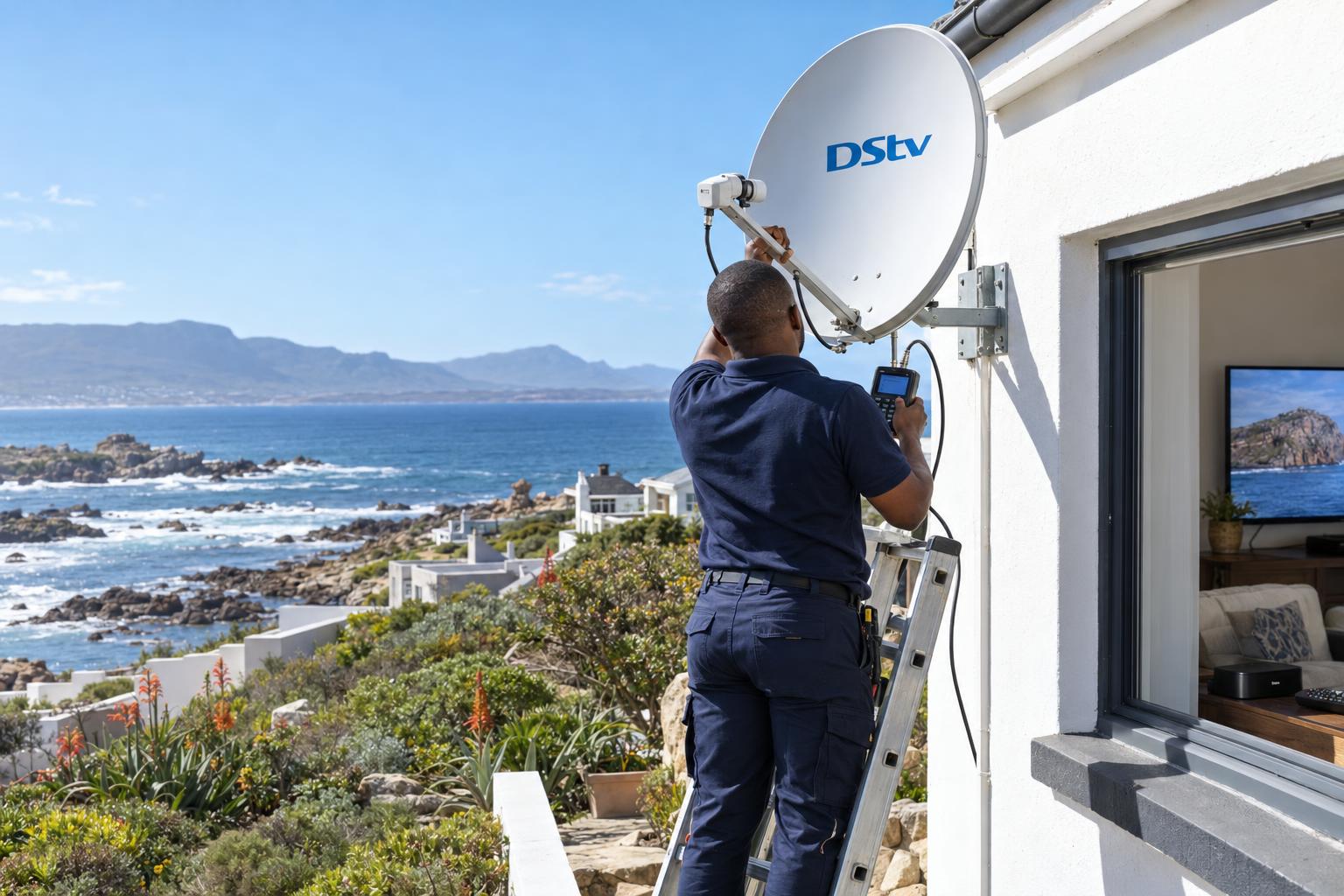
Quick answer: Every DStv installation wizard Gansbaai homes run does the same job: it links your decoder to the dish and scans in your channels. If your dish is aimed correctly and the cables are sound, it takes a few minutes and you can run it yourself. If it stalls on the signal screen (often step 4), the fault is outside the decoder: a dish that has moved, a wet connector or a damaged cable. No menu setting can fix that, so you need a technician.
Most people only meet the DStv installation wizard when something has gone wrong. The TV shows a setup screen nobody asked for, or a new decoder will not find a single channel. This guide covers the DStv installation wizard Gansbaai homeowners ask us about most. We explain each step, show where people get stuck and help you decide when to keep trying and when to stop.
The DStv installation wizard decision: do it yourself or call us?
Before you open the DStv installation wizard, it helps to know what the wizard can and cannot do. It is a software tool. It tells the decoder what kind of dish setup it is connected to, checks the signal and loads the channels.
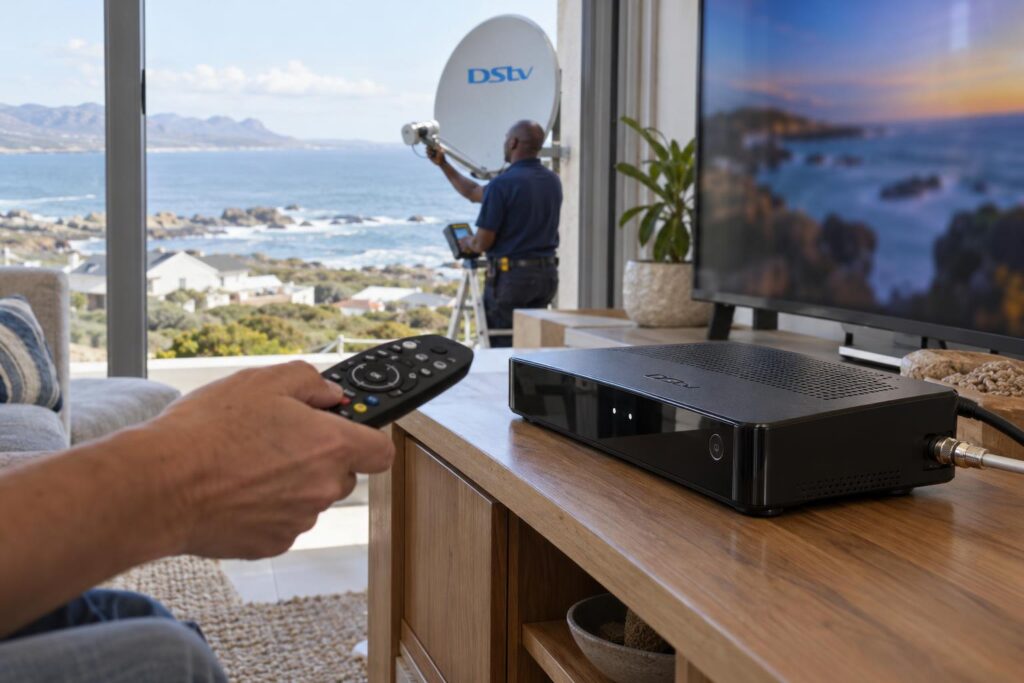
What it cannot do is move your dish, dry out a connector or replace a cable that sun and salt have cracked. Around Gansbaai, Kleinbaai and De Kelders, that is where most signal problems start.
If you would rather skip the guesswork, our team handles DStv installation in Gansbaai and along the coast every week.
When running the wizard yourself makes sense
- You have just unboxed a new decoder and the dish was working before.
- You swapped decoders and the old one worked fine on the same cable.
- The decoder was reset and now shows the setup screens again.
- DStv support asked you to run it as a troubleshooting step.
When it is a job for a technician
- The signal bars stay empty or very low, no matter how often you scan.
- The signal dropped after a strong south-easter or a winter storm.
- Someone worked on the roof, gutters or dish bracket recently.
- The decoder says it cannot find the LNB at all.
Key points before you start
- The wizard only works if the dish is already pointed at the satellite.
- Do not change the satellite or transponder figures unless you know why.
- On an Explora, wait for all three tuners to show signal before you press OK.
- Do not switch off the decoder during the scan. A power cut means starting again.
- A new Explora still needs to be activated with DStv after the wizard.
Your options compared: wizard, quick checks or a technician
Here is how the usual routes compare for a home on the Overberg coast. It is based on the jobs we see, from Franskraal holiday houses to farm homes off the Stanford road.
| Option | Best for | What it costs you | Limits |
|---|---|---|---|
| Run the wizard yourself | New or swapped decoder on a good dish | Your time, about 10 to 20 minutes | Cannot fix a moved dish or bad cable |
| Restart and check cables | Sudden E48 errors after rain | Nothing | Only helps with loose plugs or passing weather |
| Technician alignment visit | Low signal, storm damage, a drifting dish | A call-out we quote before we come | Needs safe access to the dish |
| Full new installation | Old, rusted or missing equipment | Quoted upfront, no call-out fee for the quote | More work, but the whole system starts fresh |
If your dish is old or you are starting from nothing, a new DStv installation covers the dish, cabling, decoder setup and wizard in one visit.
What it costs when the DStv installation wizard is not enough
Running the wizard yourself costs nothing. Costs only start when the wizard points to a physical fault. We do not publish one flat price, because a single-storey house in Masakhane and a double-storey home on the De Kelders cliffs are very different jobs.
What changes the price
- How high the dish is and how safely we can reach it.
- Whether the bracket is sound or rusted through.
- Whether the LNB and cable can be reused or need replacing.
- How many decoders and TV points the system feeds.
Repair or replace?
Often the dish is fine and the wind has simply pushed it a degree or two. Our satellite dish alignment service re-aims it with a meter and reseals every fixing, which is usually far cheaper than a new system.
Replacement only makes sense when the dish is bent, the mount is unsafe or the cable has perished along most of its run. We always quote before we start, so there are no surprises.
DStv installation wizard steps, one screen at a time
The wording changes a little between an Explora, an Explora Ultra and an older HD decoder. The order is the same, and it is the order our technicians follow after every install.
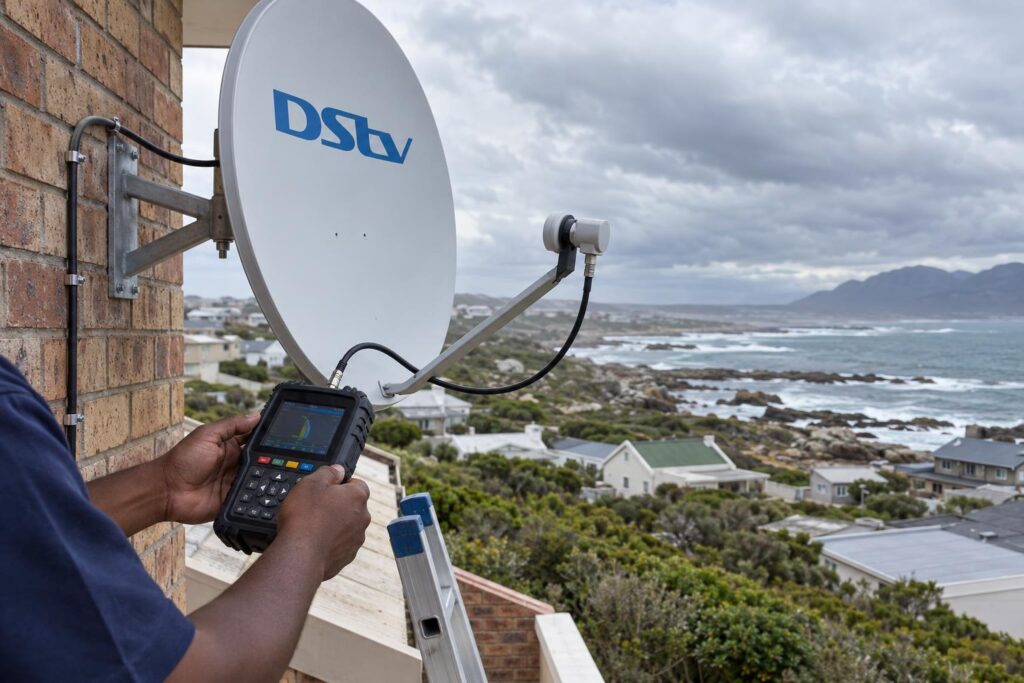
- Check the cables first. Make sure the dish cable is screwed firmly into the satellite input on the decoder. On an Explora, check the DStv Switch that comes in the box is connected the way your installer left it.
- Open the menu. Press Menu on the remote and go to Settings. Choose Satellite Settings, then the installation option.
- Start the wizard. The first screen confirms you are starting setup. Press OK.
- Leave the preset figures alone. The satellite and transponder settings come preset for South Africa. Press OK to move on.
- Confirm the LNB type. This must match the LNB on your dish. If an installer set it before, keep their setting.
- Watch the signal screen. Wait for the strength and quality bars to settle. On an Explora, wait until all three tuners show signal before pressing OK.
- Let the scan finish. It can take a few minutes. Leave the decoder alone until the channels load.
Explora and Explora Ultra
The Explora has three tuners, so the DStv installation wizard shows three signal readings. One weak tuner usually means a problem on one cable or one LNB output. If you are weighing up a newer box, our guide on Explora vs Ultra decoders explains the differences in plain language.
Older HD decoders and the LNB setting
Single-view HD decoders have one tuner and fewer screens, but the same rules apply. The LNB setting matters more than people think, especially if the dish was upgraded. Our DStv Smart LNB price guide explains when a home actually needs a newer LNB.
Local tip: Load shedding and the wizard do not mix. If power drops mid-scan, you will be back at the first screen. Check the schedule and give yourself a clear 30 minutes before you start.
Stuck on the signal screen?
Send us a photo of the screen on WhatsApp. We will tell you honestly whether it is a quick fix or a call-out.
Stuck on step 4 of the DStv installation wizard?
This is the screen where most people stop, and the one people search for most. On many decoders, step 4 is the signal check. The wizard waits there because it cannot see a good enough signal to carry on.
Pressing OK again and again on that DStv installation wizard screen will not help. The decoder is telling you the problem is outside the box.
Signal strength and signal quality
Signal strength shows how much signal reaches the decoder. Signal quality shows how clean that signal is. You can have strong strength with poor quality, which often points to water in a connector or a tired LNB.
If either bar refuses to climb, the cause is usually one of these:
- A dish knocked off aim by wind or a ladder.
- Water or corrosion inside an outdoor connector.
- A cable chewed in the roof or crushed under a window frame.
- A tree or new building blocking the path to the satellite.
What the coast does to your signal
Homes facing Walker Bay take the full force of the south-easter and winter fronts. A dish that is a degree out may work on a calm day and drop out in the first storm. If the signal fails after bad weather, read our signs your dish needs realigning before running the wizard a fifth time.
DStv lists error E48 as a decoder that is not getting enough signal from the dish. It names damaged cables, loose connections, a misaligned dish and weather as the usual causes. You can see the official fixes on the DStv E48 error page.
Mistakes to avoid with the DStv installation wizard
Most failed DStv installation wizard scans we see in Gansbaai come down to the same small mistakes. None of them are hard to avoid.
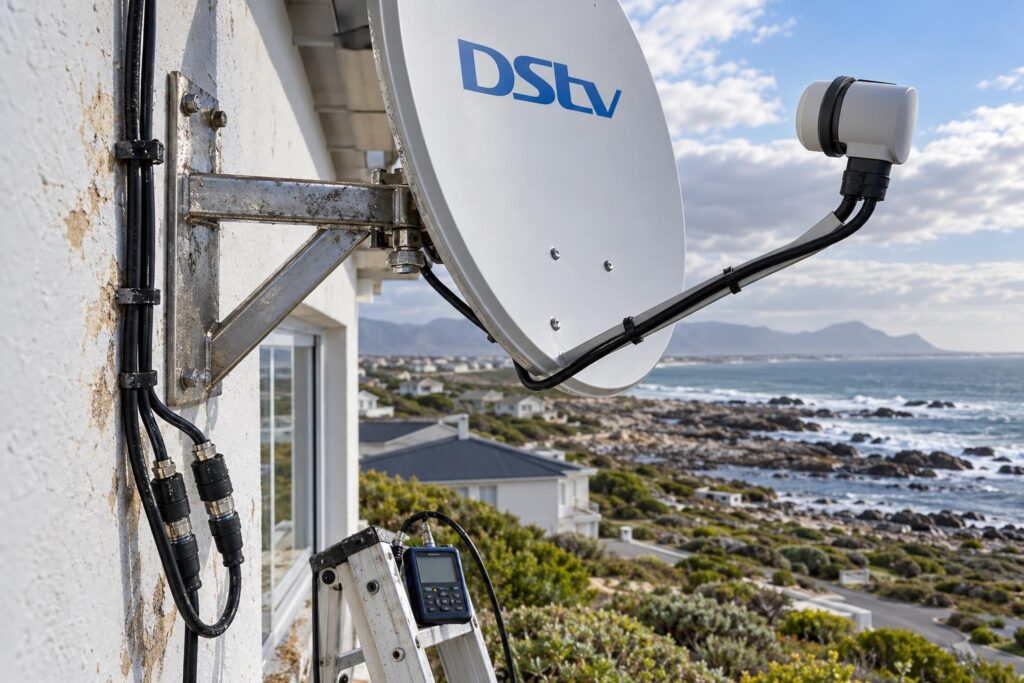
- Changing figures you do not need to. The preset satellite settings are correct for South Africa. Changing them guarantees an empty scan.
- Choosing the wrong LNB type. If you are not sure, leave the setting your installer chose.
- Switching off mid-scan. You will have to start again from the first screen.
- Unplugging an XtraView decoder first. DStv says you must ask MultiChoice to break the XtraView link before you disconnect the cable that joins the decoders.
- Blaming the decoder. A new decoder will not fix a corroded plug outside.
Salt is the quiet one. Connectors near the sea in Franskraal and Pearly Beach can look fine and still let in moisture. Our article on why salt air damages satellite setups shows what to look for.
Loose or mixed-up leads behind the TV cause their own trouble. Our guide to DStv decoder cables and connections shows which lead goes where.
After the scan: activation, Catch Up and WiFi
A finished scan is not quite the end. DStv's own Explora guide says a new Explora must be activated with MultiChoice after setup.
Catch Up and BoxOffice content is also empty on a brand new Explora. It starts downloading once installation is complete, so give it time before you assume something is broken.
For streaming and Catch Up, the decoder needs a stable internet link at the TV. Our step-by-step guide shows how to connect your Explora to WiFi and keep it connected.
Holiday homes need one extra check. A house left empty for months can come back to a decoder that needs a refresh, a dish that has moved and connectors that have taken in damp. If that sounds like your place, our Gansbaai DStv installers can check the whole system in one visit before the family arrives.
Want it working before the weekend?
We cover Gansbaai, Kleinbaai, De Kelders, Franskraal, Pearly Beach and the Stanford road. We meter the signal, fix the cause and run the wizard with you.
If you run the DStv installation wizard and the bars still refuse to move, stop there. That screen has told you everything it can, and the next step is a proper signal check at the dish.
DStv installation wizard FAQs
Why is my DStv showing the installation wizard?
The wizard appears when a decoder is set up for the first time or after it has been reset. It can also show after a decoder swap. Follow the steps, and if the signal screen stays empty, the problem is with the dish or cables.
Why is my DStv installation wizard stuck on step 4?
On many decoders, step 4 is the signal check. The decoder stops there because it is not getting a usable signal from the dish. The usual causes are a moved dish, a wet connector or a damaged cable.
How do I run the DStv installation wizard?
Press Menu, go to Settings, then Satellite Settings, and choose the installation option. Leave the preset satellite figures alone and confirm the LNB type. Wait for the signal bars to settle, then let the scan finish.
Can I exit the DStv installation wizard without finishing?
You can usually back out, but the decoder needs a completed setup and a good signal before it shows channels. Exiting does not fix a signal problem. If the wizard keeps coming back, call us and we will find the cause.
What does error E48 mean during setup?
DStv says E48 means the decoder is not getting enough signal from the dish. Check the cables, then switch off at the wall for at least 10 seconds and switch on again. If the error stays, the dish or cabling needs a technician.
Do I need a technician for the DStv installation wizard in Gansbaai?
Not if the dish is aimed correctly and the cables are sound. You only need us when the signal screen will not move. We can usually check the dish, cables and LNB in one visit.
Keep reading
How Much Does a TV Mount Stand Cost?
TV mount stand prices depend on the type, the fittings and the fitting work. Here's how the options…
TroubleshootingDStv Catch Up Not Working in Gansbaai? 5 Myths and Real Fixes
Live TV works but Catch Up will not play? In Gansbaai the dish is rarely to blame. Here…
Troubleshooting5 signs your dish needs realigning after a storm
A big blow can knock your signal just enough to ruin movie night. Here are five tell-tale signs…