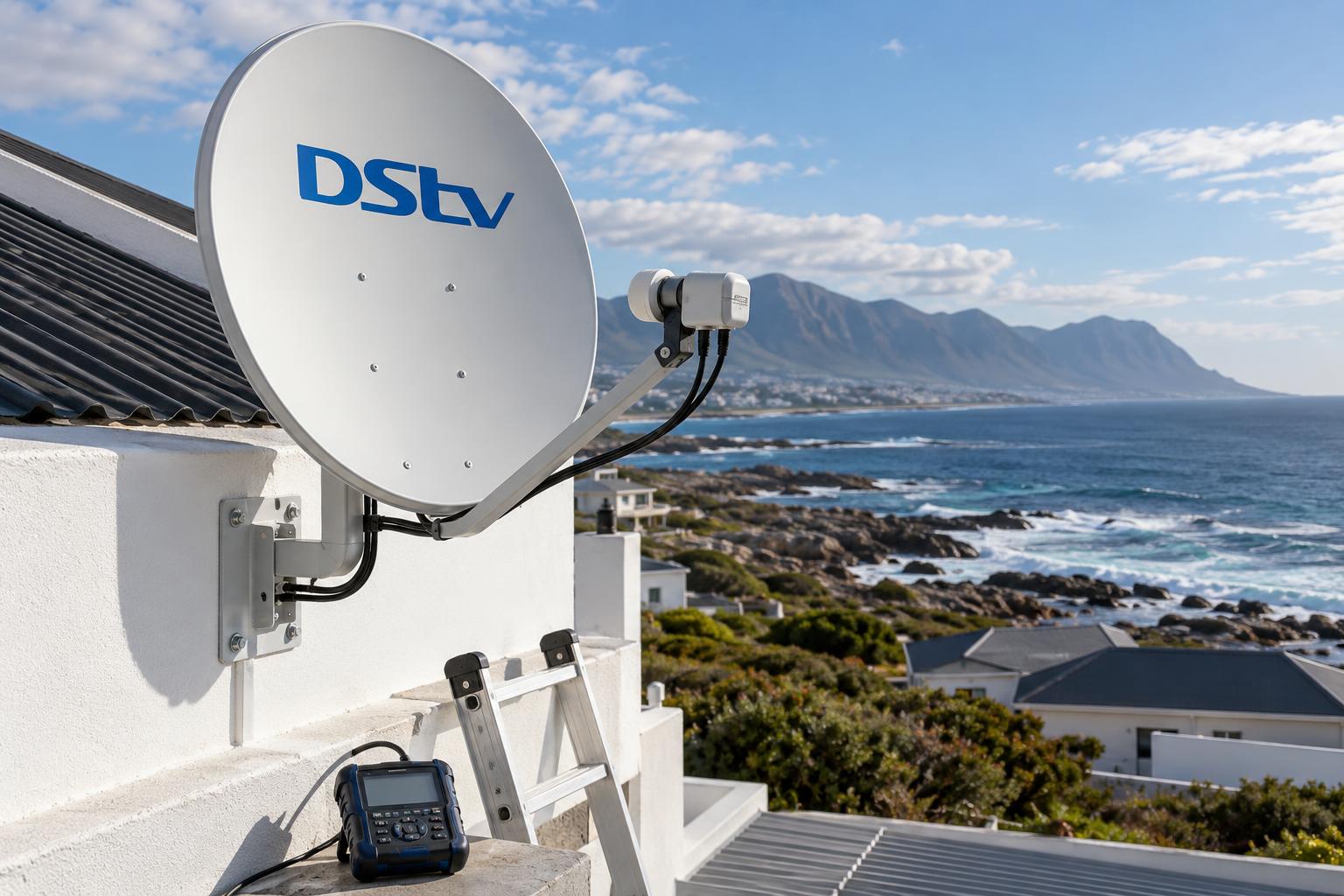
Quick answer: DStv Dual View was an old decoder that ran two TVs from one box. It is no longer made or supported. Today, two-room viewing on one subscription is done with XtraView, which links a second decoder to your main one for a monthly Access Fee. For most Gansbaai families, an Explora in the lounge linked to an HD decoder in the bedroom is the simplest choice.
The DStv Dual View Gansbaai families ask us about is almost always the same wish. Mum wants the series in the lounge. The kids want cartoons in the bedroom. Nobody wants to pay for two full subscriptions. The good news is that this is easy to get right, as long as you know what Dual View means today and what your home needs.
This guide works like a job card. First we list what you need. Then we walk through the setup in numbered steps. After that we show where each step usually goes wrong, and which coastal conditions in our area make a difference.
Key points before you start
- The original DStv Dual View decoder is discontinued. XtraView replaced it.
- XtraView links two or three decoders on one subscription.
- Every linked decoder gets the same package and the same channels.
- The main (primary) decoder sends a "heartbeat" signal. If it stops, the second room goes dark.
- A cable splitter is not DStv Dual View. It only copies the same channel to a second TV.
What DStv Dual View means in 2026
Years ago, DStv sold a Dual View decoder. One box, one smartcard, two TVs, two different channels.
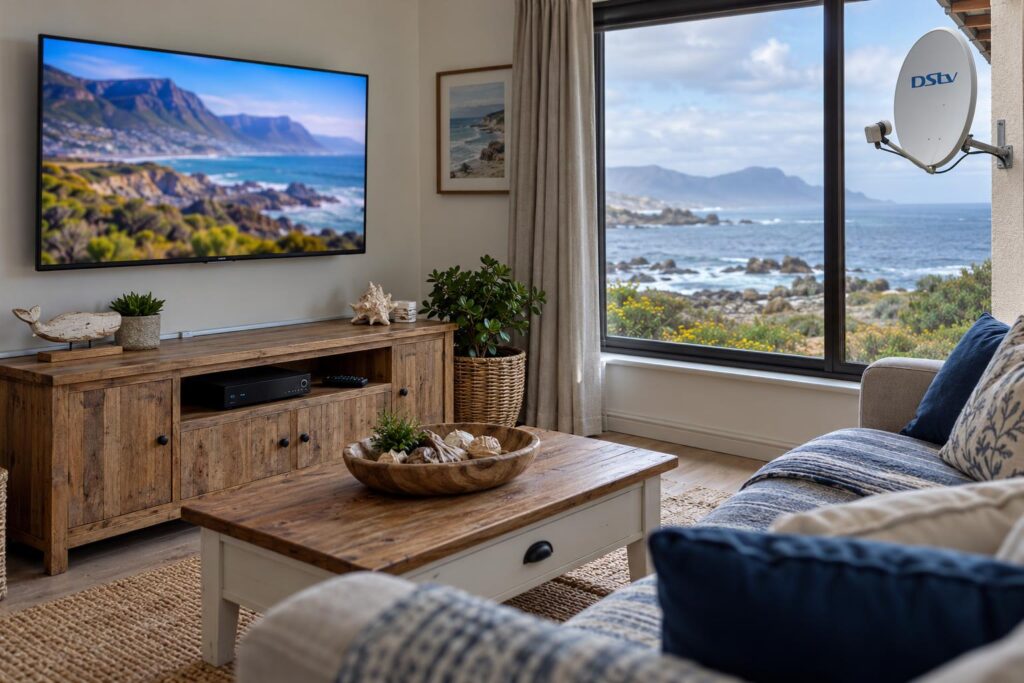
MultiChoice stopped making and supporting the old SD PVR and Dual View decoders a long time ago. If one of those boxes breaks, it will not be repaired or replaced. So the name lives on, but the hardware does not.
XtraView is the modern version
XtraView does the same job with two separate decoders. You link them on your account and pay your normal subscription plus a monthly Access Fee for the extra decoder. DStv explains this on its official XtraView help page.
If one of your decoders is a PVR, such as an Explora, you already pay an Access Fee. In that case, DStv says the second decoder adds no extra monthly fee. Linking three decoders means your subscription plus two Access Fees.
DStv Dual View vs XtraView vs a splitter
| Option | Different channels in each room? | Still available? |
|---|---|---|
| Old Dual View decoder | Yes | No, discontinued |
| XtraView (two or three linked decoders) | Yes | Yes |
| Cable splitter or HDMI split | No, same channel on both TVs | Yes, but it is not multi-room viewing |
| Second full subscription | Yes | Yes, but you pay twice |
For a family home, XtraView wins almost every time. A second subscription only makes sense for a separate household, like a tenant in a flatlet.
What you need for DStv Dual View at home
Before anyone climbs a ladder, check you have these five things. Missing one of them is the most common reason a setup fails.
- Two compatible decoders. For two rooms, DStv allows combinations of the Explora, the HD Decoder, HD PVRs and some older single view models.
- An Explora as the main box if you want three rooms. DStv requires the primary decoder to be an Explora when three are linked.
- A dish and LNB that can feed two decoders. DStv recommends a Smart LNB with an 80cm dish for most XtraView installs.
- A cable route to the second room. Each decoder needs its own feed, plus a working link between the two boxes.
- The link on your DStv account. The decoders must be registered as an XtraView pair, or the second one will not be billed or switched on correctly.
The LNB is the part people forget. Many older Gansbaai roofs still carry a single-output LNB from the first install. Our guide on the DStv Smart LNB price explains when an upgrade is really needed and when your current one is fine.
If you are still picking the main decoder, our team handles DStv Explora and Ultra installation and can check whether your box can be linked before you spend a cent.
How to set up DStv Dual View in 7 steps
This is the order we follow on every DStv Dual View job. It keeps the work tidy and stops the classic "it worked yesterday" call-back.
- Choose the primary decoder. Put it on the TV you watch most. If it is an Explora or HD PVR, make it the primary so your recordings stay safe.
- Check the decoder combination. Confirm both models can be linked before buying anything new.
- Check the dish and LNB. Make sure the LNB has an output for each decoder, or fit a Smart LNB.
- Run the second cable. Route good-quality coax from the LNB to the second room, sealed and clipped where it runs outside.
- Connect the decoders. Plug each box into its own feed and make sure the heartbeat path between them is in place.
- Link the decoders on your account. Contact DStv to register the XtraView link, so billing and channels line up.
- Test both rooms at the same time. Watch two different channels together, then switch off and restart both boxes to make sure the link holds.
Steps 4 and 5 take the longest. A clean XtraView setup is mostly about cable work, not decoder menus.
If you want to know which plug goes where, our article on DStv decoder cables and connections shows each port in plain terms.
Want two rooms working by tonight?
We check your decoders, LNB and cabling, link everything and test both TVs before we leave.
Fixing DStv Dual View problems at each step
Most DStv Dual View faults trace back to one of the seven steps above. Here is what we find most often, step by step.
Steps 1 and 2: the wrong decoder in the wrong role
When the primary decoder is switched off or removed, the secondary stops working. The primary keeps working even if the second room fails. So if the main box lives on a plug that gets switched off at night, the bedroom TV will die with it.
Some combinations also cannot be linked at all. DStv lists the allowed models on its XtraView information page, and we check this before we quote.
Step 3: one LNB output and two decoders
A passive splitter on a satellite cable does not behave like one on a TV aerial. You lose signal, and the decoders interfere with each other. If both TVs freeze on the same channels, the LNB is usually the culprit.
Steps 4 and 5: cabling and the heartbeat
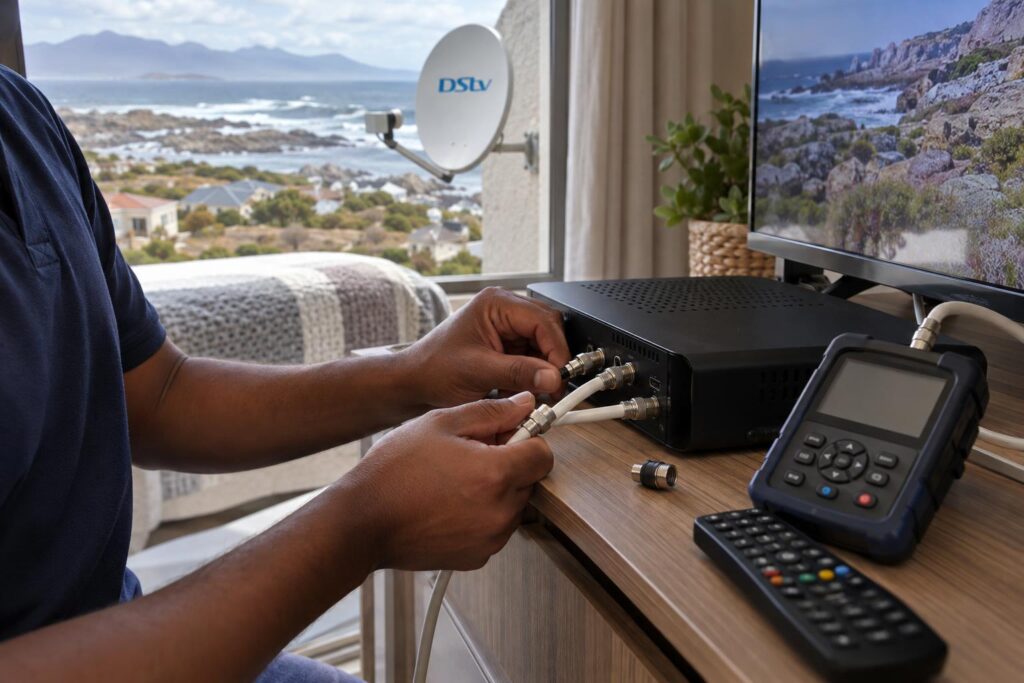
The heartbeat is a small signal the primary decoder sends to the secondary. A loose connector, a damp joint or a cable crushed under a door can break it. The satellite signal may look perfect while the second room still shows an error.
We go through these faults in detail in our guide to XtraView heartbeat errors and fixes.
Step 6: the account link
- Both decoders must be on the same package. DStv does not allow different packages on linked decoders.
- If you are changing an existing setup, ask DStv to break the old link before you unplug the cable that joins the two boxes.
- BoxOffice rentals stay on the decoder that rented them. They do not show in the other room.
Step 7: it works today but not next week
A setup that passes on a calm, dry day can fail in the first winter front. That is almost always a connector that was never sealed properly. Which brings us to the local part of the job.
Local factors in Gansbaai, Kleinbaai and De Kelders
DStv Dual View on our coast has a few challenges you will not read about in a decoder manual.
Salt air, wind and long cable runs
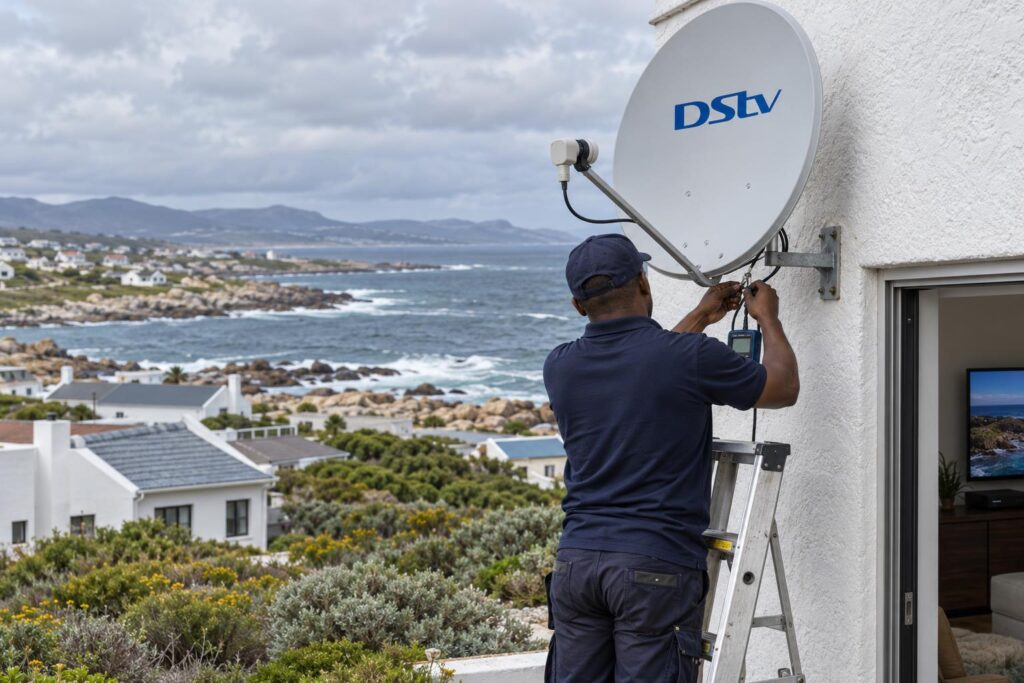
Homes on the cliffs in De Kelders and the front rows in Kleinbaai take salt spray and the full south-easter. A second cable means a second set of outdoor connectors, and each one is a place for corrosion to start. Our article on why salt air damages satellite setups explains what we use to slow it down.
- Seal every outdoor connector, not just the ones at the LNB.
- Clip cables firmly so the wind cannot flex them at the joints.
- Bring the second cable indoors as soon as the route allows.
Holiday homes in Franskraal and Pearly Beach
Many houses in Franskraal and Pearly Beach are used for weekends and the December rush. Owners sometimes want to take one decoder home to the city. DStv's advice is simple: if you regularly take a decoder away, make that one the primary. Otherwise the decoder left behind will stop working.
Linked decoders are meant for one property. If your plan is a decoder at a second house, read our guide on using your decoder at another house first.
Power cuts and backup power
After a power cut, the second room only comes back once the primary decoder is fully on again. If you run an inverter, put both decoders on the backup circuit, not just the lounge. Otherwise the bedroom TV in Masakhane or on a farm off the Stanford road will lose its link every time the power trips.
Local tip: On larger plots out towards the Stanford road, the second room is often a cottage across the garden. Run that cable in conduit underground or along a protected wall, not loose across the lawn.
Which two-room setup suits your family?
Most homes asking about DStv Dual View fall into one of three groups. Here is the short version we give at the kitchen table.
- Live TV in the lounge, kids' TV in the bedroom: an Explora as primary, linked to an HD Decoder.
- Recording wanted in both rooms: two Exploras, each with its own internet connection for Catch Up.
- Three rooms, such as a lounge, main bedroom and flatlet: an Explora as primary plus two HD Decoders.
Not sure whether the main room should get an Explora or the newer Ultra? Our plain comparison of Explora vs Ultra sets out which household each one suits.
Remember that linked decoders work independently. If you want Catch Up and apps on two Exploras, each needs its own WiFi or network connection. We usually check internet strength in the second room on the same visit.
Getting XtraView installed properly
You can do parts of this yourself. The account link is a phone call or a few taps. The hard part is the roof, the LNB and the second cable run through a thick coastal wall.
That is where our DStv installation in Gansbaai service earns its keep. We check the LNB, run sealed cables and link the boxes properly the first time.
If you already have two decoders and just need them linked, our local DStv installers in Gansbaai can usually do it in one visit. We test both rooms together, and show you which decoder is the primary so you know which one never to switch off.
Before you buy a second decoder, send us a photo of the one you have and of the LNB on your dish. That saves you buying a box that cannot be linked.
Ready for TV in two rooms on one subscription?
Our team covers Gansbaai, Kleinbaai, De Kelders, Franskraal, Pearly Beach and the farms along the Overberg coast.
DStv Dual View Gansbaai FAQs
What is DStv Dual View?
DStv Dual View was an older decoder that let one box show two different channels on two TVs. It has been discontinued and is no longer repaired or replaced. Today, the same result comes from linking two decoders with XtraView.
Is DStv Dual View the same as XtraView?
In practice, yes. People still say Dual View, but the setup sold and supported today is XtraView. It links two or three decoders on one subscription.
How much does DStv Dual View cost each month?
With XtraView you pay your normal subscription plus a monthly Access Fee for the extra decoder. If one decoder is a PVR such as an Explora, you already pay that fee, so the second decoder adds no extra monthly cost. Installation cost depends on whether your LNB and cabling need work.
Why is my DStv Dual View not working in the second room?
The most common cause is a lost heartbeat between the decoders. It happens when the primary decoder is switched off, a cable is loose or a connector has corroded. Restart the primary first, then check the cables between the two boxes.
Can I watch two channels with one decoder and a splitter?
No. A splitter or HDMI split shows the same channel on both TVs. To watch different channels at the same time, you need a second decoder linked with XtraView.
Can my second decoder go to our holiday house?
Linked decoders are meant for one property and need the heartbeat from the primary decoder. A secondary decoder taken away will stop working. If you travel with a decoder often, make that one the primary.
Keep reading
5 signs your dish needs realigning after a storm
A big blow can knock your signal just enough to ruin movie night. Here are five tell-tale signs…
SecurityWhat to Expect When a Home Security Camera Is Installed
From the site visit to the app handover, here's what happens when security cameras are installed at a…
tips-guidesDStv Installation Cost in Gansbaai: A Practical Quote Guide
The cost of a DStv installation in Gansbaai depends on the property, the equipment already on site and…