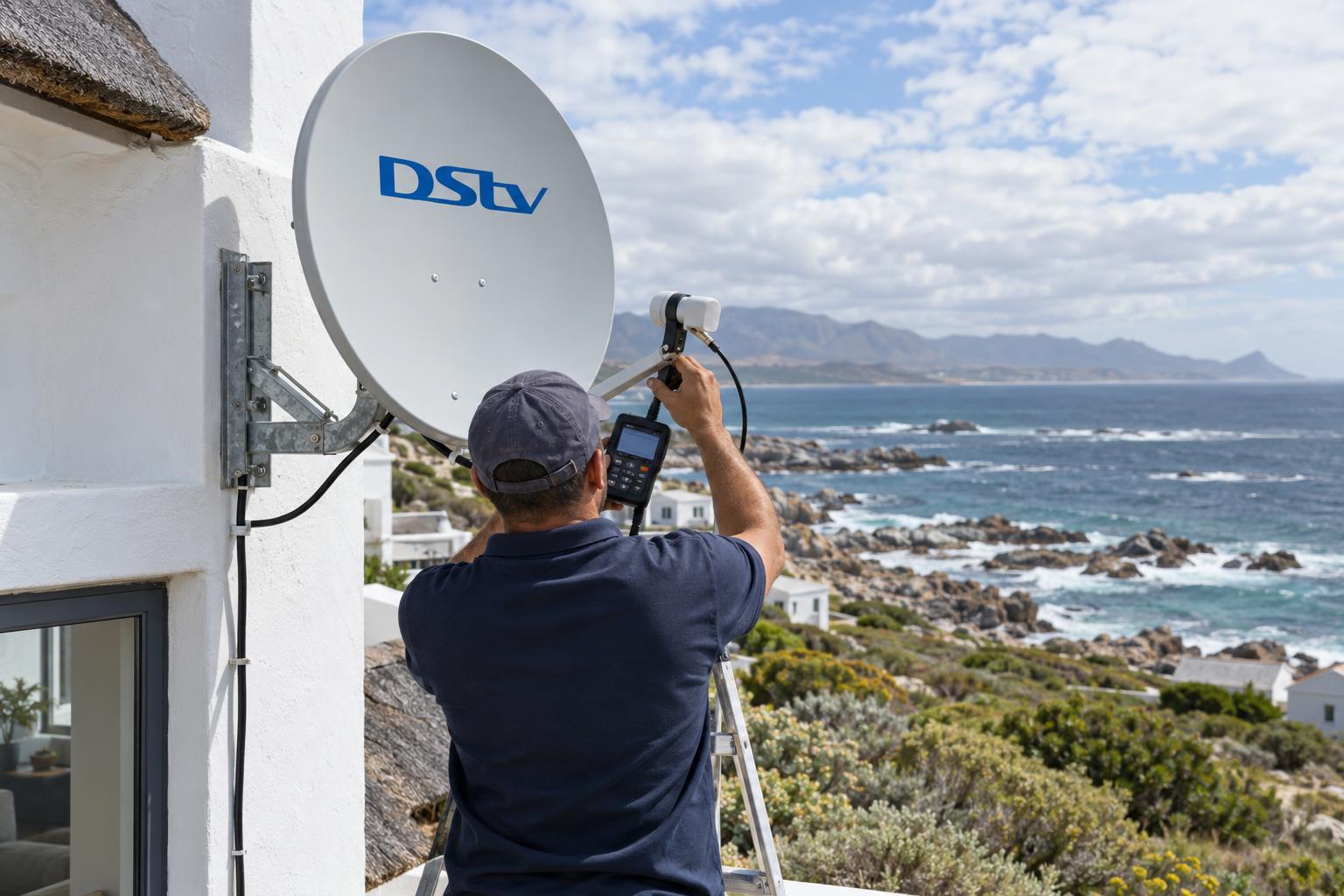
Quick answer: If you have DStv XtraView not working on the second TV, that decoder has usually lost the "heartbeat" from the main decoder. Switch the primary decoder on first, check the link cable and connectors, then restart the secondary. If both decoders show no signal, the problem is the dish or LNB, not XtraView. If the error keeps coming back, the cabling or the decoder roles need a proper check.
Few things spoil a quiet evening faster than a bedroom TV that suddenly refuses to play. Every week someone sends us a message that reads much like "DStv XtraView not working Gansbaai, please help". It usually follows a power cut or a stormy night. The good news: most of these faults have a simple cause. This guide helps you decide what you can fix yourself, what needs DStv, and when it is time to call a technician.
Key points for DStv XtraView not working
- The primary decoder sends a "heartbeat" signal. The secondary decoder needs it to work.
- If the primary is off, unplugged or removed, the secondary stops working.
- No signal on both decoders points to the dish, LNB or main cable.
- Missing channels on one decoder is often an account or signal issue, not the link.
- Repeated heartbeat errors usually mean a cabling fault, not a broken decoder.
DStv XtraView not working? First decide who can fix it
Before you touch a single cable, work out which kind of fault you have. Not every case of DStv XtraView not working has the same cause. There are three, and each one has a different fix. Getting this right saves you time, money and a lot of frustration.
Most homeowners we meet in Kleinbaai and Franskraal have already tried a factory reset. That rarely helps, and it often adds work. A few minutes of looking at the screens tells you far more.
Signs it is a heartbeat fault
- The main decoder plays every channel normally.
- The second decoder shows a message about waiting for, or not finding, the primary decoder.
- The fault started after a power cut, a move of furniture or someone cleaning behind the TV.
Signs it is a signal fault
Both decoders show no signal, or both freeze and pixelate at the same time. The well known E48-32 message on both screens is a classic example. Here the link between decoders is fine. The problem sits at the dish, the LNB or the cable from the roof.
Signs it is an account fault
The cabling looks perfect and nothing has changed at home, yet the second decoder still will not play. Perhaps a decoder was replaced, or an Access Fee was missed. If you suspect this kind of DStv extra view problem, our DStv installation in Gansbaai team will always tell you honestly when a fault sits with DStv and not with your hardware.
How the XtraView heartbeat works
XtraView links two or three decoders under one subscription. According to DStv, the primary decoder sends a heartbeat to the secondary decoders, and they will not work if that heartbeat stops arriving.
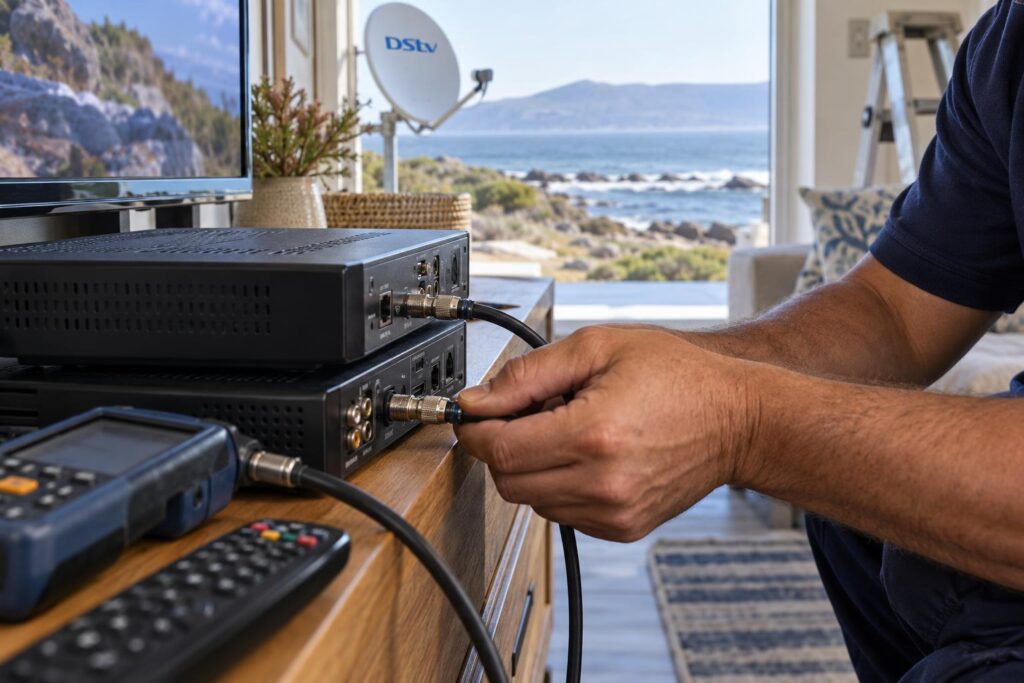
DStv also confirms that the primary keeps working even when the link is broken. That is why DStv XtraView not working usually means the bedroom TV dies while the lounge TV carries on as normal. You can read this directly on the official DStv XtraView FAQ.
What the heartbeat cable does
The heartbeat travels along cabling between the decoders. Depending on your decoder combination, that is a dedicated link cable or the satellite cabling itself. Either way, one loose plug or a crushed lead is enough to cut it.
DStv recommends a Smart LNB with an 80cm dish for most XtraView installations. If your system still runs an older LNB, our guide to the DStv Smart LNB price explains when an upgrade is worth it.
Why load shedding breaks the link
When power returns, both decoders boot at the same time. Sometimes the secondary finishes first and cannot find the primary. This is the most common reason for DStv XtraView not working in our area once the lights come back. A power surge can also damage a decoder power supply, which looks like a heartbeat fault at first glance.
DStv XtraView not working: compare your three fix options
You have three routes: fix it at home, contact DStv, or book a technician. This table shows which route suits which symptom.
| Symptom | Most likely cause | Best first step |
|---|---|---|
| Secondary shows an error, primary works | Heartbeat lost: cable, power or primary switched off | Home checks below |
| Both decoders show no signal | Dish moved, LNB failed or water in a connector | Technician signal check |
| Secondary missing channels only | Account, package or weak signal | DStv self service, then a signal check |
| Fault started after a decoder swap | New decoder not linked on the account | Contact DStv to link it |
| Error returns every few days | Corroded connectors or a poor cable route | Technician to rewire the link |
If both screens are dead, start with the dish. Our DStv signal repairs service meters the whole system, so a link fault is never confused with a dish fault.
Some families find that XtraView is more than they need. If you are weighing it up, our article on Dual View vs XtraView compares the two setups in plain language.
Quick home checks before you call anyone
These steps take about fifteen minutes. They sort out a large share of the DStv XtraView not working calls we get, especially after load shedding.
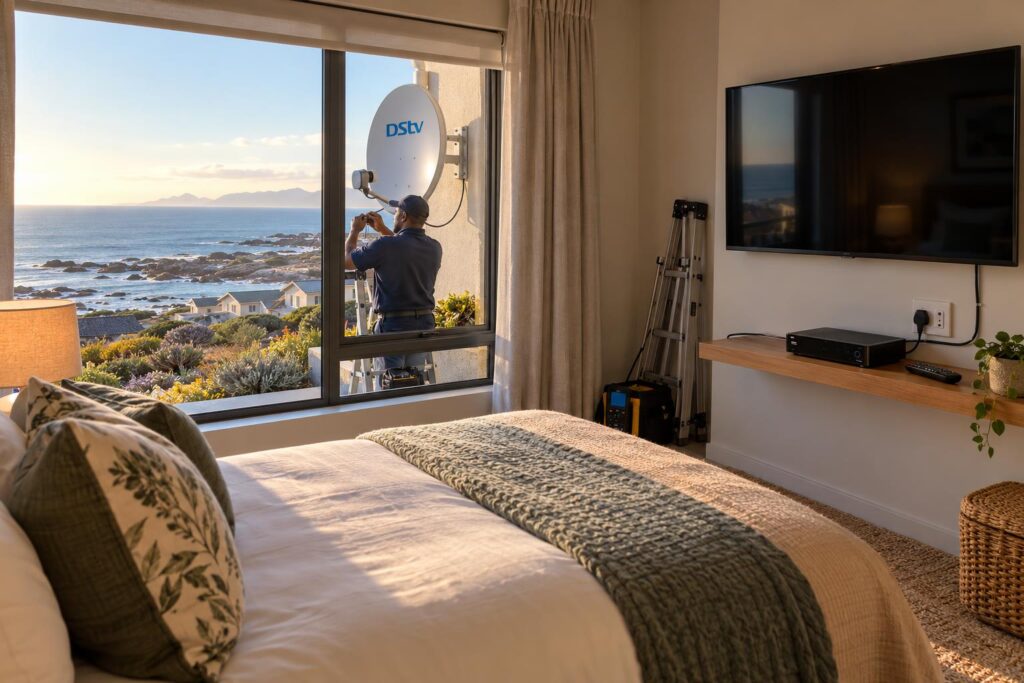
Restart in the right order
- Write down the exact error message and which decoder shows it.
- Check that the primary decoder is switched on and playing channels normally.
- Switch off both decoders at the wall and wait two minutes.
- Switch on the primary decoder first. Let it finish starting up fully.
- Now switch on the secondary decoder and give it a few minutes.
- Follow the cables behind each decoder. Hand-tighten any loose connector, without forcing it.
- Look for crushed, kinked or chewed cable, especially behind cabinets and under doors.
Check the account through DStv self service
If the cables look fine, clear errors from your phone. DStv lists several channels on its contact and self service page:
- The MyDStv app, for South African accounts.
- DStv WhatsApp self service on 060 060 3788. Type "Hello" to start.
- The USSD code *120*68584#, which can clear errors and reconnect packages.
Keep both smartcard numbers handy. The person helping you will ask which decoder is primary.
Local tip: After a winter front, check signal first. If both decoders freeze in light rain, your problem matches the signs in our guide to signal drops in bad weather, and no amount of restarting will fix it.
Second TV still blank?
Send us a photo of the error and the back of both decoders on WhatsApp. We will tell you if it sounds like a quick fix or a call-out.
What fixing a DStv extra view problem costs
Most cases of DStv XtraView not working cost less to fix than people expect. The cost depends on what has actually failed. A loose plug costs nothing. A corroded cable run on a double-storey house in De Kelders takes far more time and material.
Your monthly XtraView costs
DStv bills XtraView as your normal subscription plus an Access Fee. Two linked decoders need one Access Fee, and three need two. If a payment is missed, one decoder can be switched off, which looks exactly like a link fault.
What a repair visit includes
We quote before we start, and there is no call-out fee for quotes. The final cost usually comes down to these items:
- Fault finding with a signal meter on every decoder point.
- New connectors or fly leads where salt has got in.
- A new cable run if the old one is damaged inside a wall or roof.
- Re-linking and testing both decoders before we leave.
Proper linking, cabling and testing in every room is exactly what our XtraView setup service covers, whether you are adding a new decoder or rescuing an old setup.
How we install XtraView so it keeps working
A good installation is the best cure for heartbeat errors. Most repeat DStv XtraView not working calls we attend come from setups that were never installed properly.
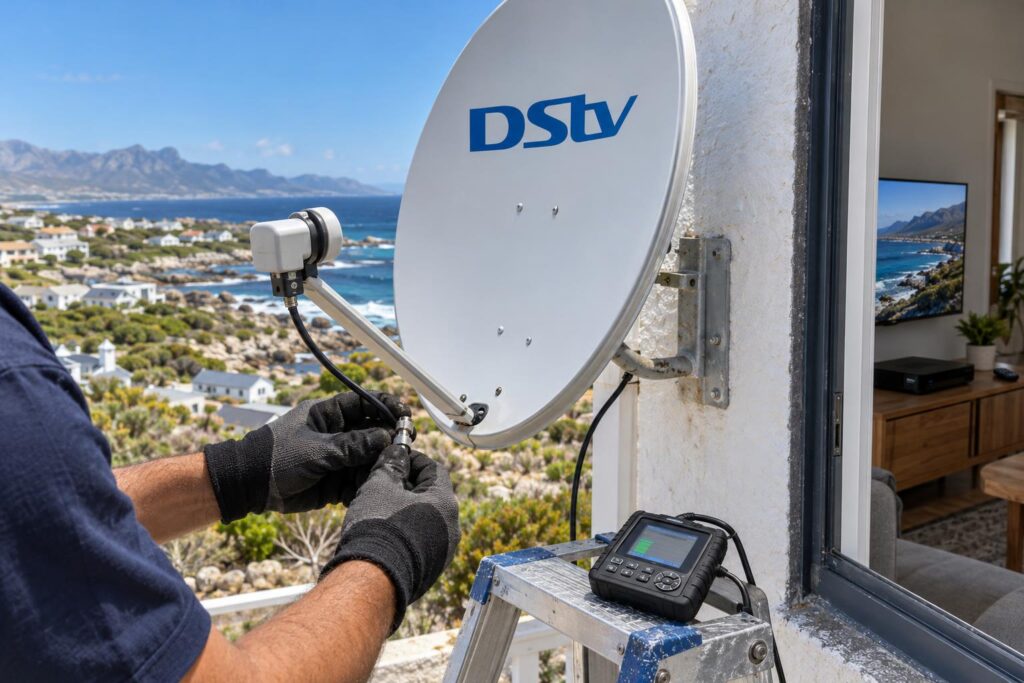
Choosing the primary decoder
DStv says a three decoder setup must have an Explora as the primary. An SD PVR can only ever be a secondary. Where an Explora or HD PVR is in the mix, DStv suggests making it the primary, so recordings are not lost when the link breaks.
We usually place the primary at the TV you watch most. That way, the decoder everyone relies on is also the one least likely to be switched off.
Cable runs that survive the Overberg coast
On this coast, salt and wind are the enemy of every connector. Homes near the water in Kleinbaai and Pearly Beach see corrosion far sooner than inland farms along the Stanford road. We explain the full picture in our article on how salt air damages satellite setups.
- Sealed, weatherproof connectors on every outdoor joint.
- Cable clipped neatly and kept away from sharp bends.
- Labelled leads at each decoder, so nobody plugs them back wrongly.
- A signal reading for each room, recorded on handover.
Every job is backed by a written workmanship guarantee. It is the main reason homeowners from Masakhane to De Kelders keep calling our local DStv installers in Gansbaai.
Mistakes that keep DStv XtraView not working
We see the same few mistakes again and again. They cause more DStv XtraView not working call-outs than any faulty decoder.
- Switching off the primary at night. The secondary needs the heartbeat, so the bedroom TV dies too.
- Using a splitter instead of a proper link. A splitter shows the same channel on both TVs and can weaken the signal.
- Factory resetting in a panic. This adds setup work and rarely fixes a cable or account fault.
- Swapping primary and secondary roles yourself. Role changes need the right cabling and the account to match.
- Taking a linked decoder away for the weekend. The decoder left at home loses its heartbeat.
Holiday homes are a special case. Many owners take a decoder between town and the coast, and DStv advises making that travelling decoder the primary. Before you pack it, read our guide on using a decoder at a holiday home.
Tired of the same XtraView error?
Our team covers Gansbaai, Kleinbaai, De Kelders, Franskraal and Pearly Beach. We find the real fault, fix it properly and test every room.
One last thing: whenever you have DStv XtraView not working, tell us which decoder shows the error and what changed just before it started. That single detail often points us straight to the fix.
DStv XtraView not working in Gansbaai: FAQs
Why is my DStv XtraView not working after load shedding?
When power returns, the secondary decoder may start before the primary and miss the heartbeat. Switch both off, start the primary first, then the secondary. If the error stays, a surge may have damaged a power supply or connector.
What is the heartbeat cable on DStv?
It is the cabling that carries the heartbeat signal from the primary decoder to the secondary decoders. Depending on your decoders, it is a dedicated link cable or the satellite cabling itself. If it is loose or damaged, the secondary decoder stops working.
Can I fix DStv XtraView not working myself?
Often, yes. Make sure the primary is on, restart the decoders in the right order and check every connector by hand. If the fault keeps coming back, the cabling needs a professional check.
Will the second decoder work if the primary is switched off?
No. DStv confirms that secondary decoders stop working when the primary is switched off or removed. The primary keeps working on its own, so leave it on standby rather than switching it off at the wall.
Why is my DStv extra view not showing all channels?
Linked decoders always carry the same package, so missing channels are not caused by XtraView itself. Check your account through DStv self service first. If the account is fine, a weak signal on that cable run is the next likely cause.
How much does it cost when DStv XtraView is not working in Gansbaai?
It depends on the fault. A loose connector costs little, while a new cable run takes more time and material. We give a clear quote before any work starts, and there is no call-out fee for quotes.
Keep reading
How to Choose a DStv Installer in Gansbaai
Choosing a DStv installer in Gansbaai is not only about finding someone who can make a picture appear.…
Troubleshooting5 signs your dish needs realigning after a storm
A big blow can knock your signal just enough to ruin movie night. Here are five tell-tale signs…
home-technologyComplete TV, WiFi and Security Plan for a Gansbaai Coastal Property
A coastal property works better when television, WiFi and security are planned together. Each system needs power, cable…